Best Mini PCs Under $800 (2026): 15 Picks for Every Budget and Workload
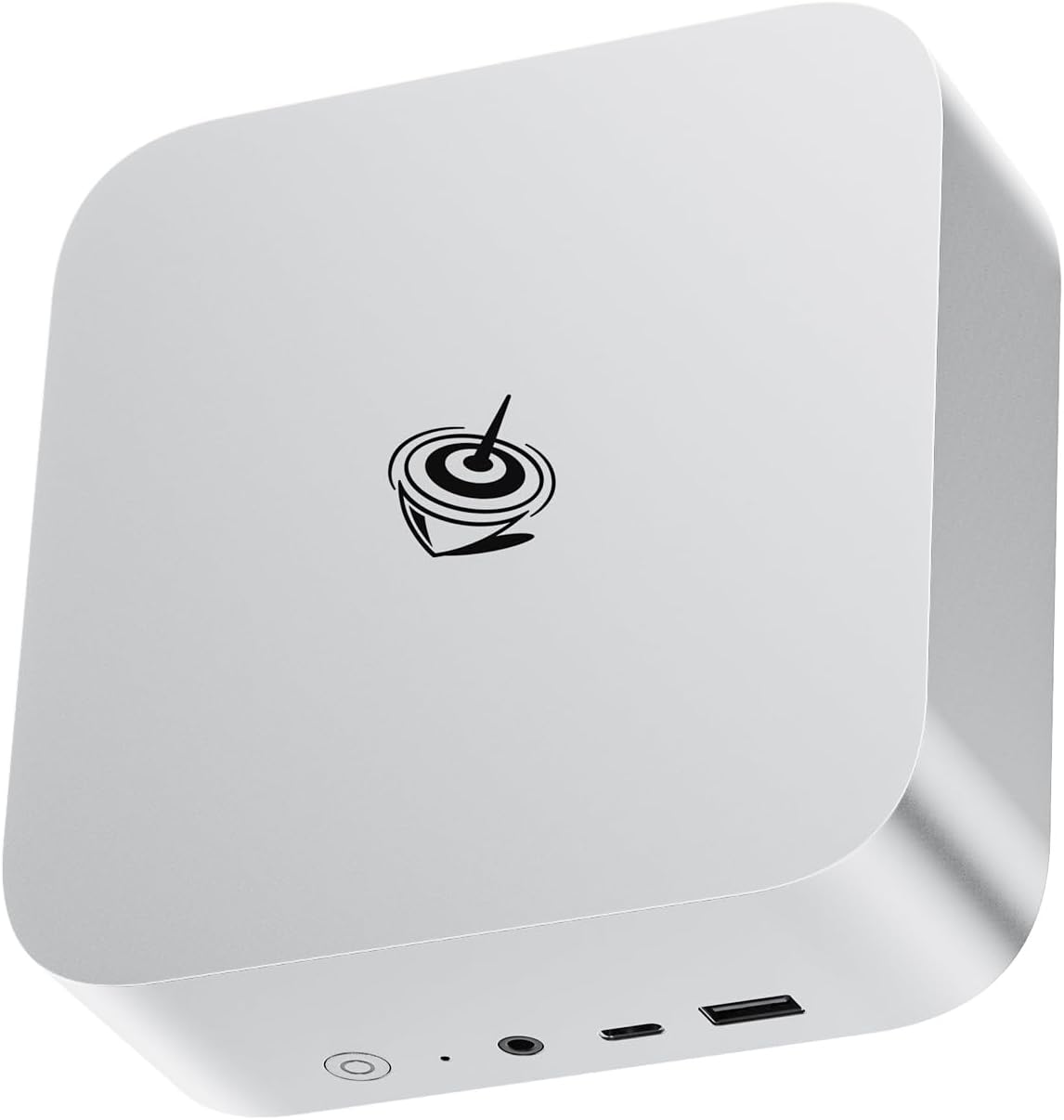
Beelink SER8
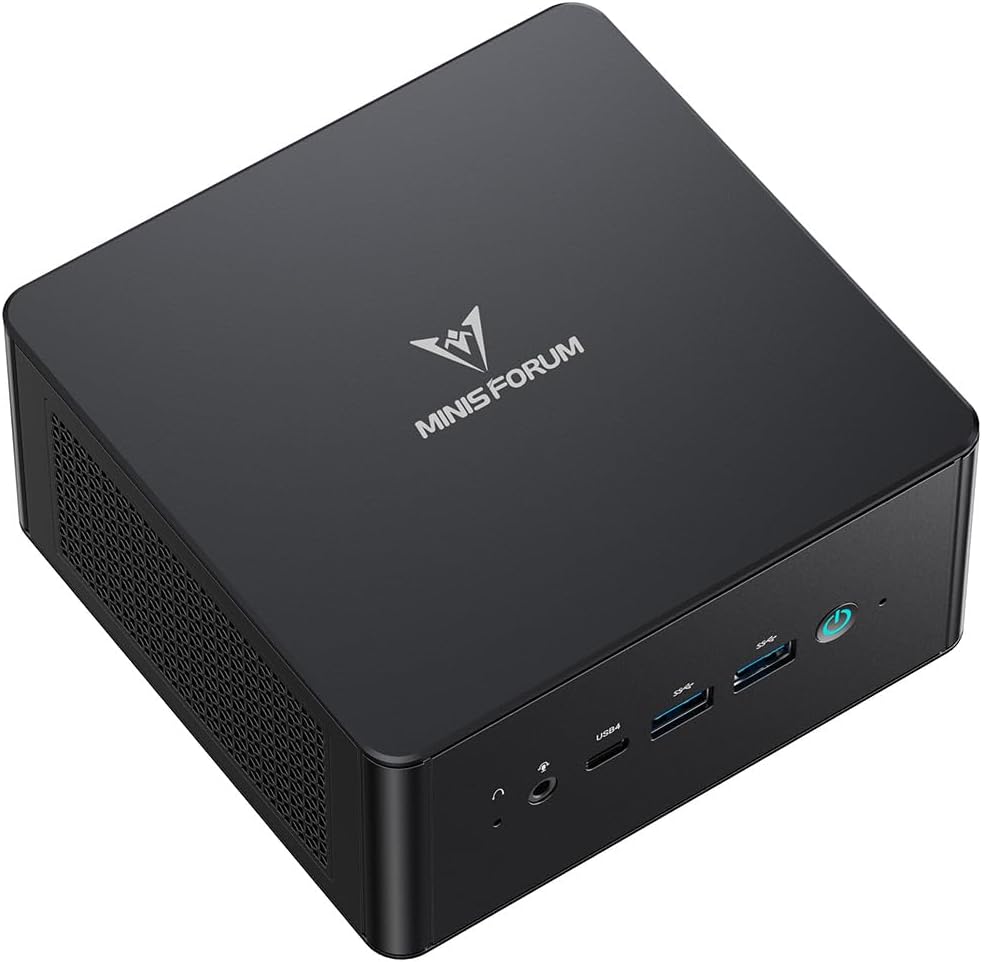
Minisforum UM890 Pro
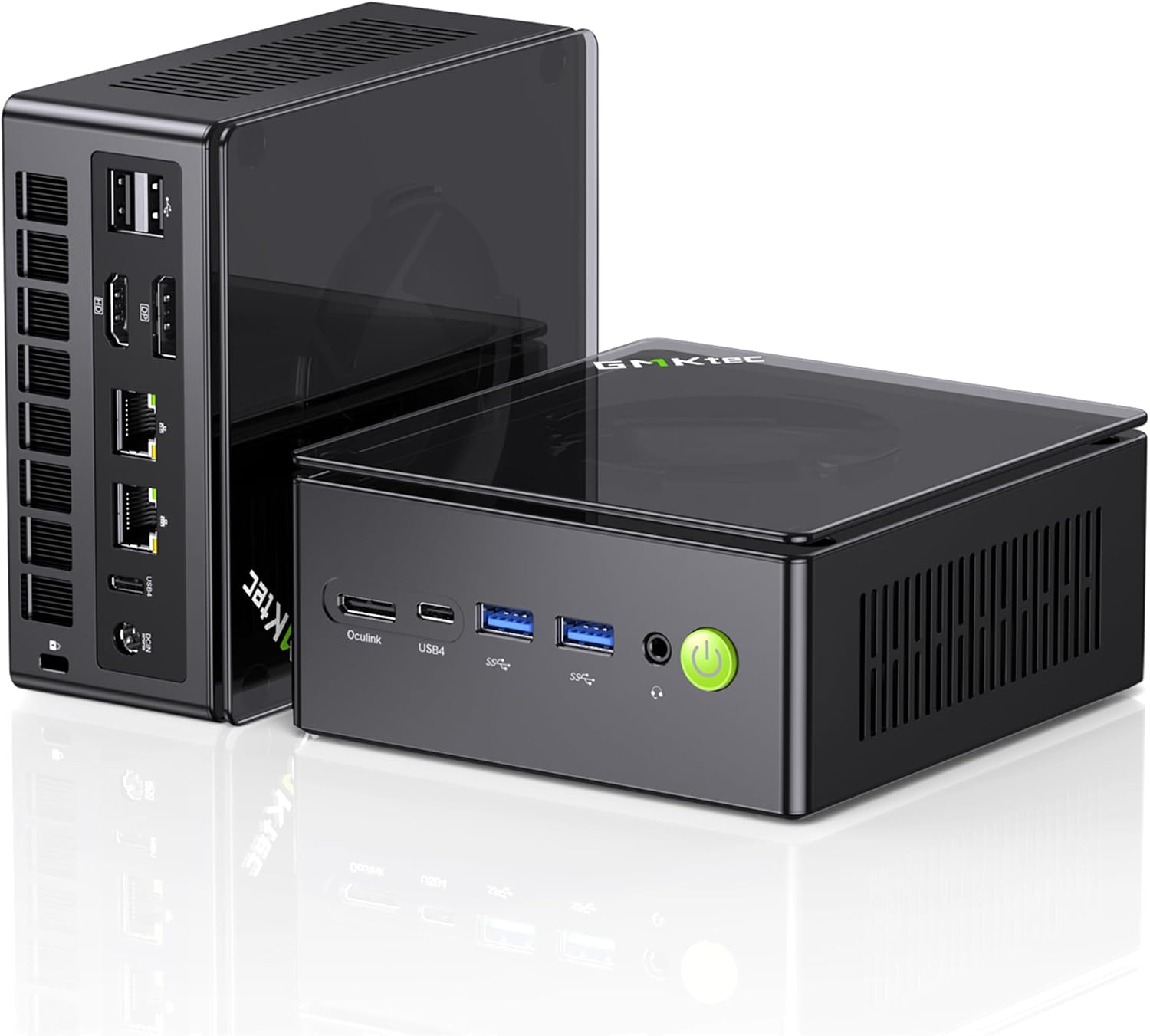
GMKtec K8 Plus
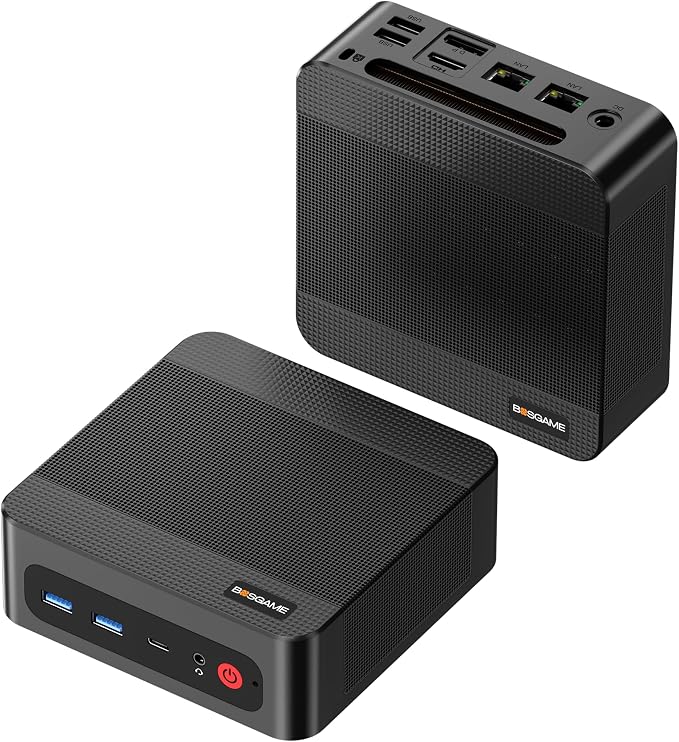
BOSGAME P3 Pro
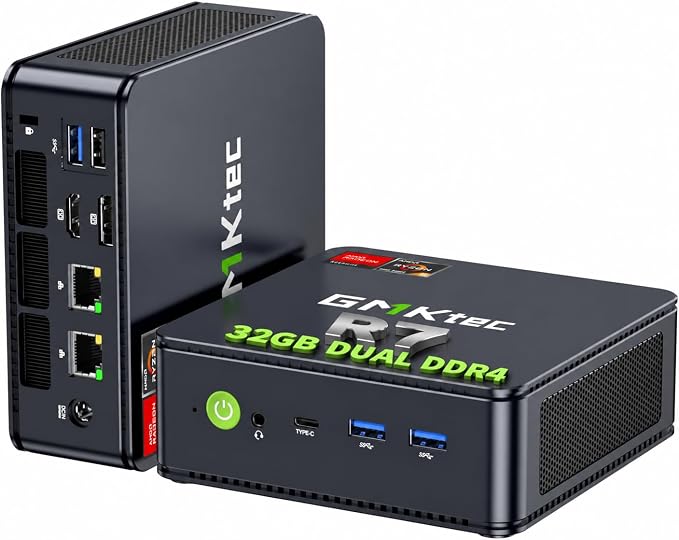
GMKtec M5 Ultra
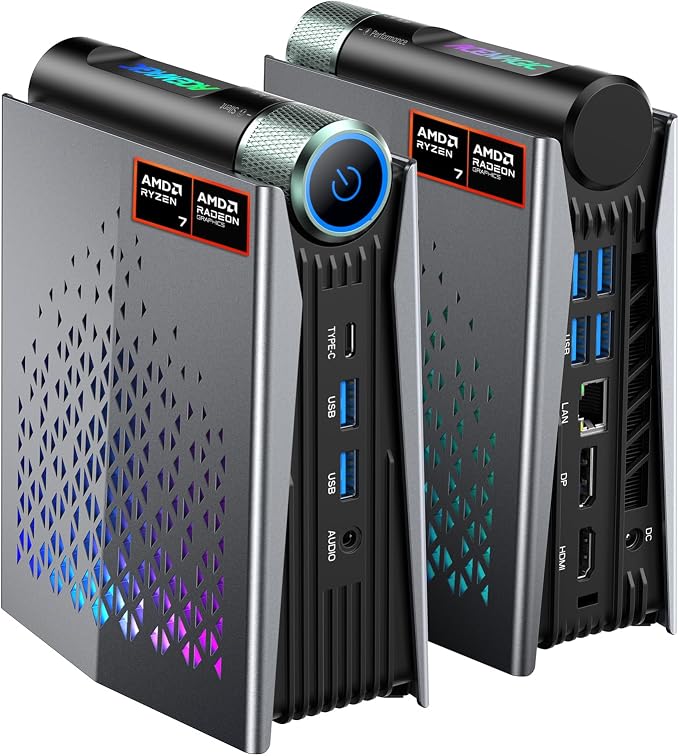
ACEMAGICIAN S3A
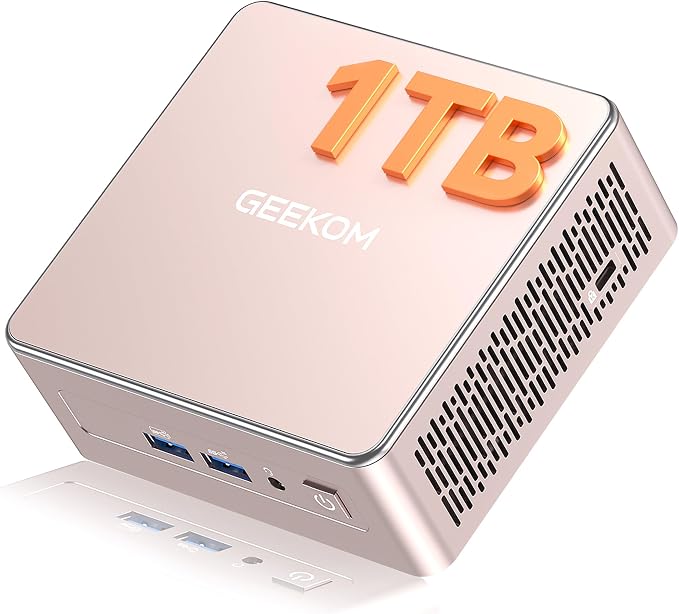
GEEKOM A5
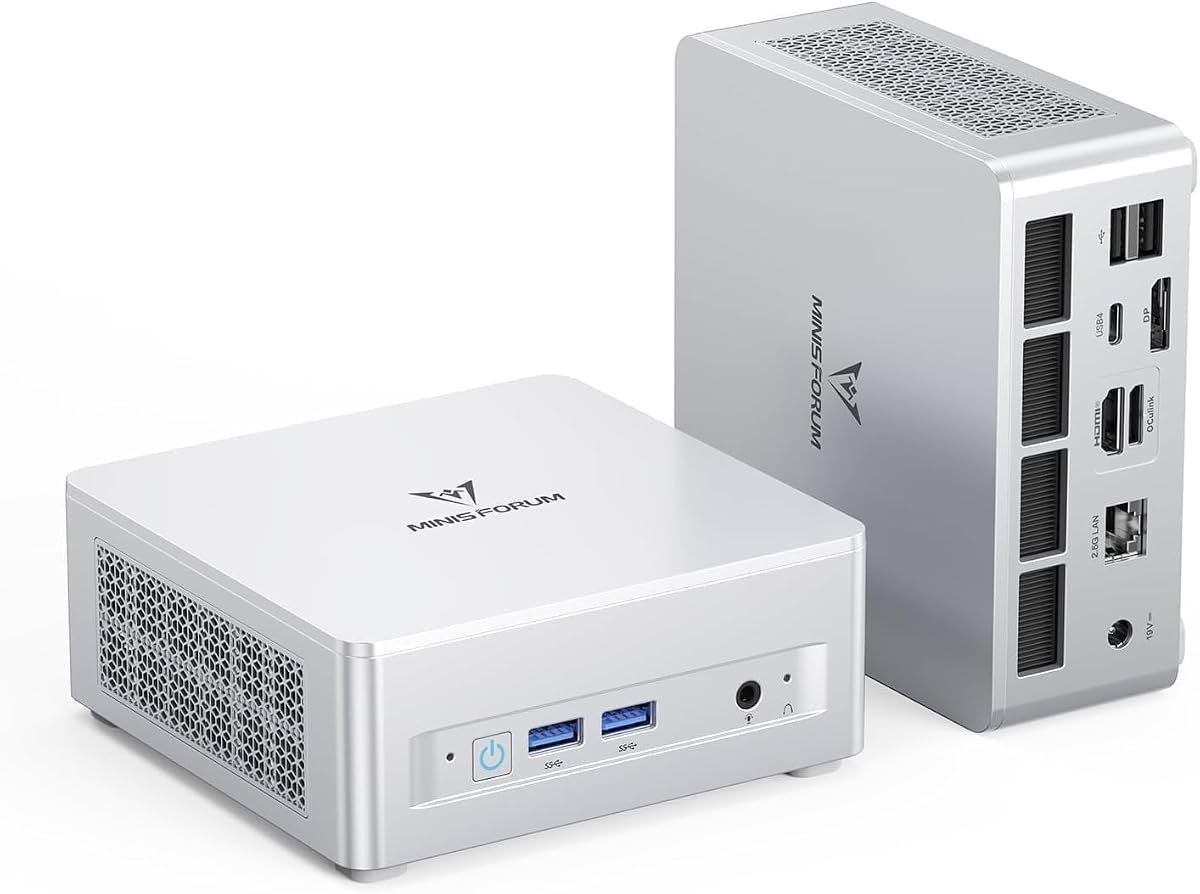
Minisforum UM880 Plus
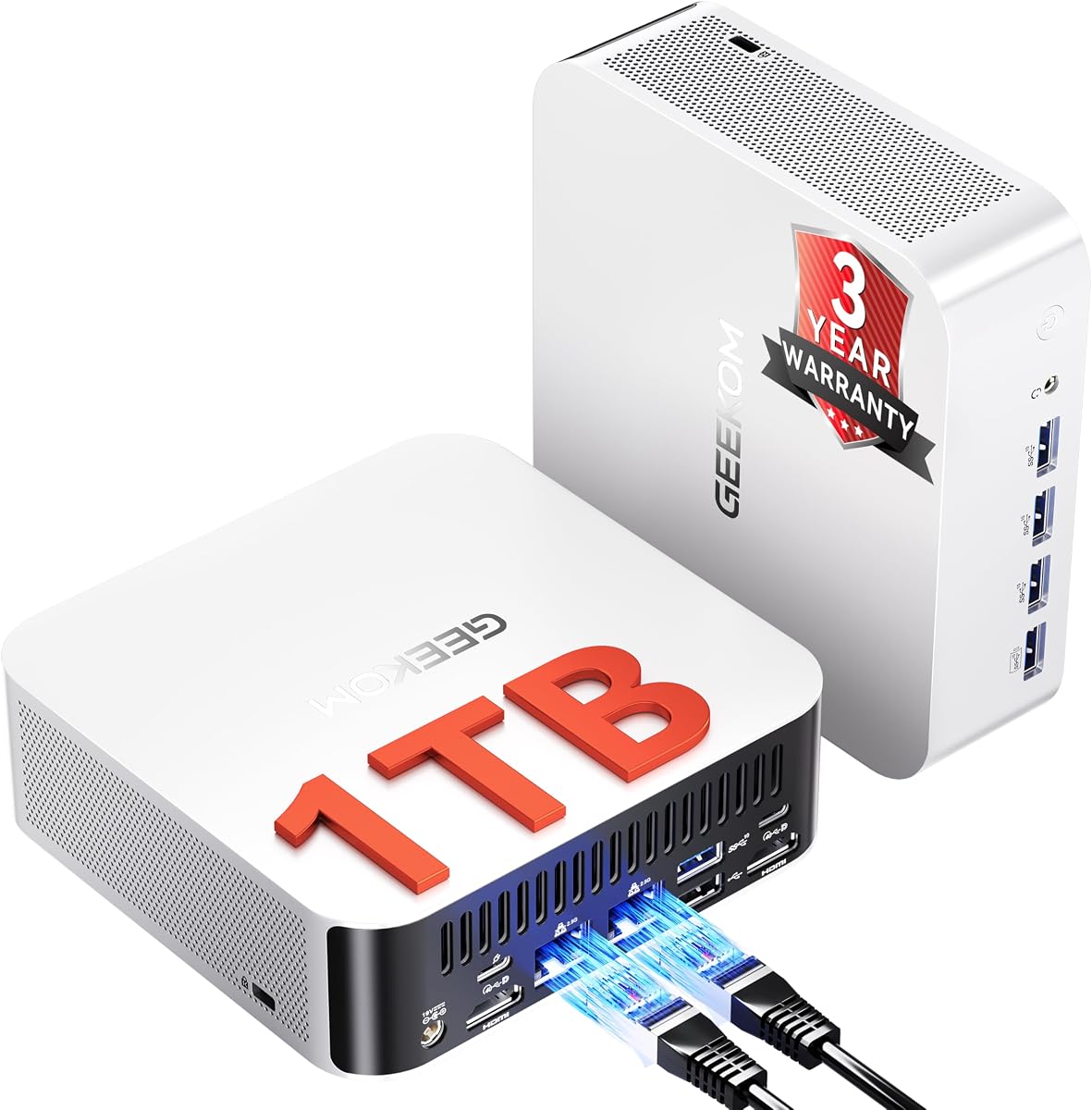
GEEKOM A8 Max
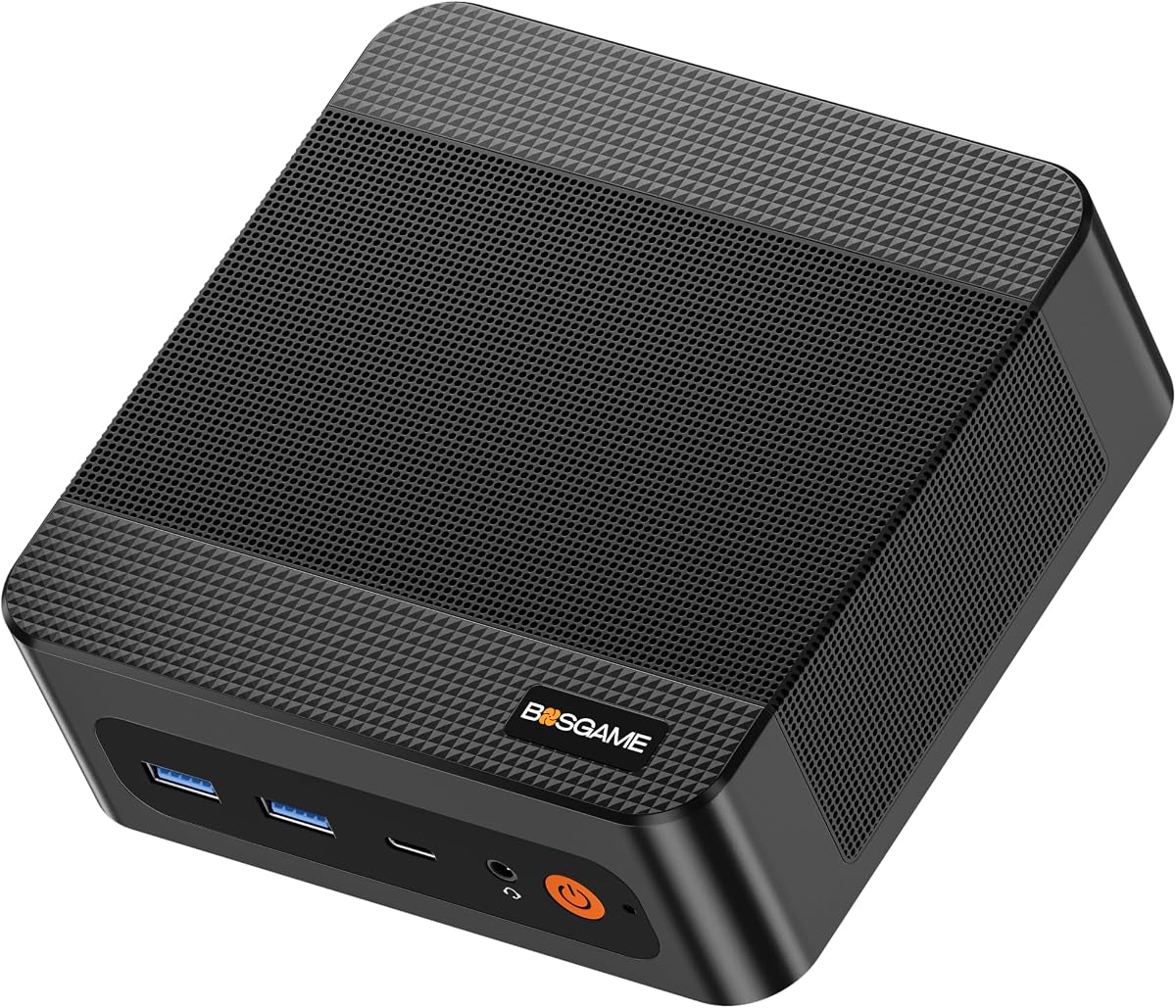
BOSGAME P6
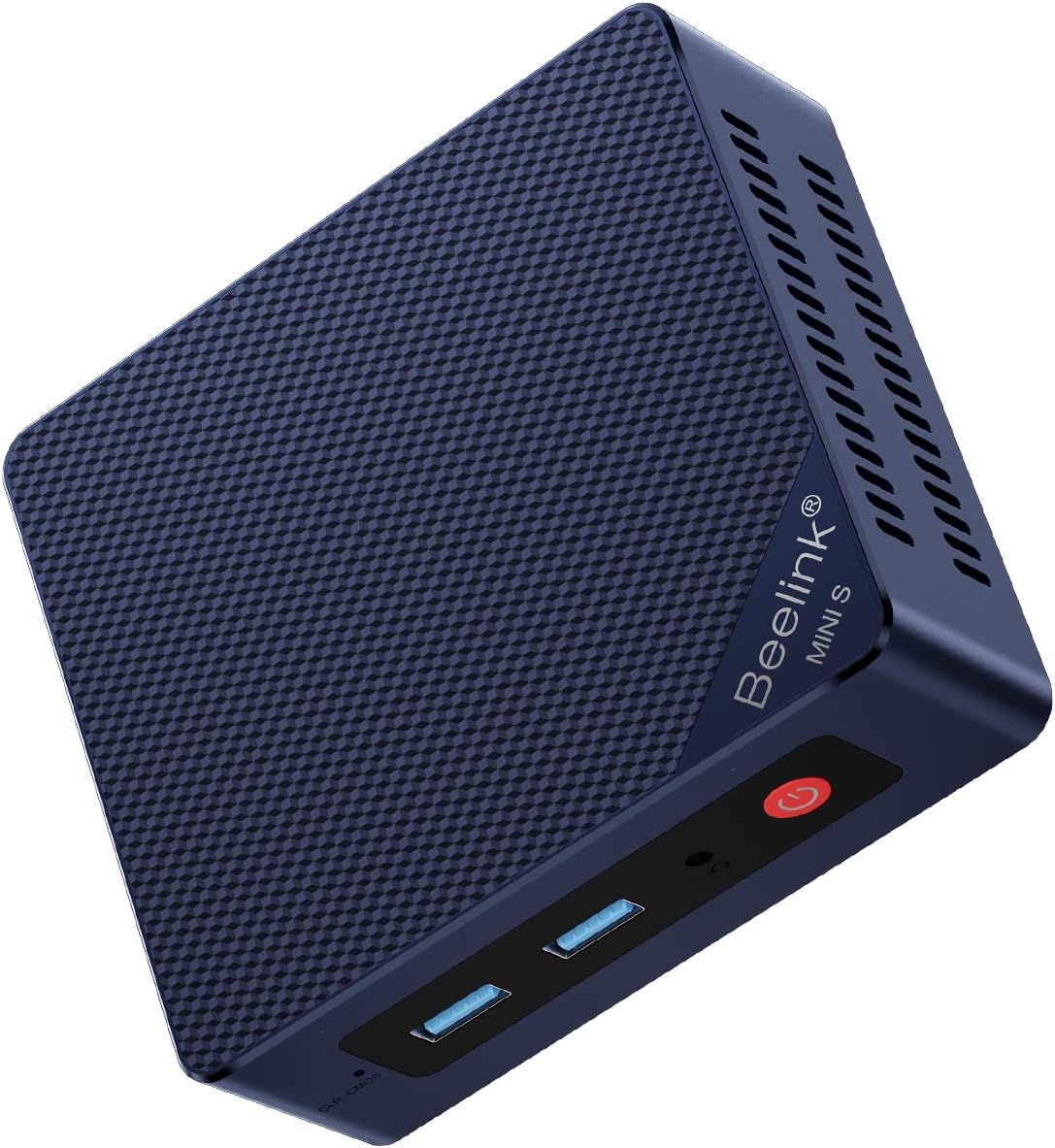
Beelink MINI S13
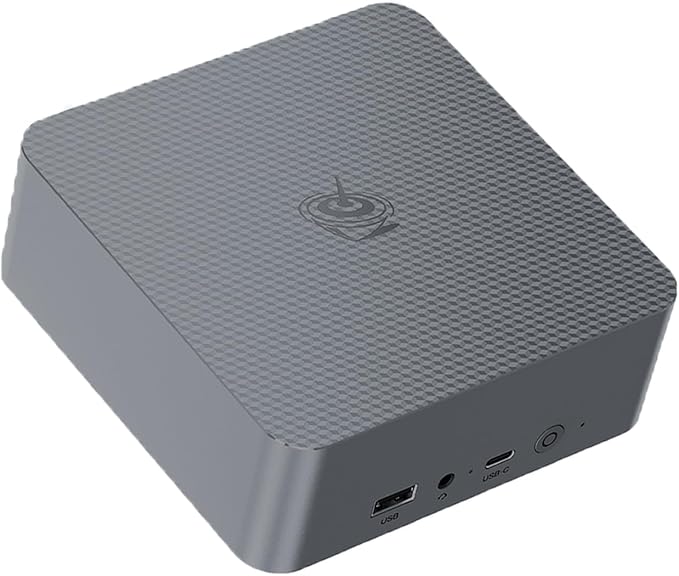
Beelink EQR7
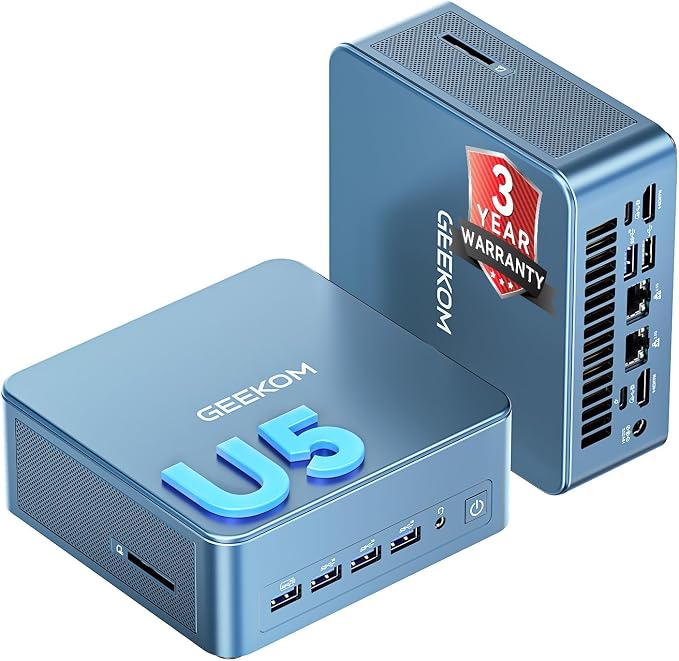
GEEKOM IT12 MAX
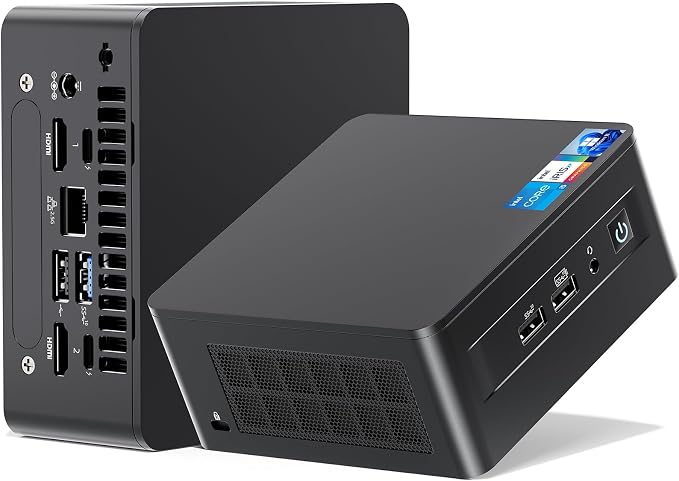
ASUS NUC 13 Pro (NUC13ANHi5)
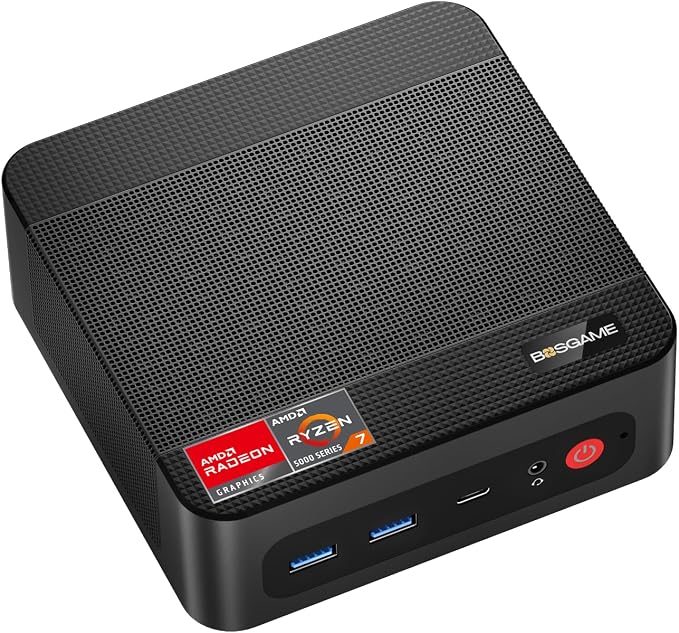
BOSGAME P4 Ultra
Quick verdict
The Beelink SER8 is still the best all-round mini PC under $800 for most people, with the Minisforum UM880 Plus the pick to beat if you want an OCuLink path to a desktop GPU. For the fastest CPU per dollar, the BOSGAME P6 (Ryzen 9 6900HX, 24GB, 1TB) is remarkable at around $550, with the BOSGAME P3 Pro close behind; the Minisforum UM890 Pro remains the top pick for creators and local AI. The GEEKOM A8 Max is the one to buy if you want upgradeable RAM, dual LAN, and 3-year coverage inside the budget. For home servers the GMKtec M5 Ultra (32GB + dual 2.5GbE) still leads, while theBeelink MINI S13 is the quiet, low-power budget option, and the ACEMAGICIAN S3A and GEEKOM A5 cover light gaming and basic office work respectively. Four additions round out specific needs: the Beelink EQR7 is the quiet desk machine, the GEEKOM IT12 MAX brings Wi-Fi 7 and a three-year warranty, the ASUS NUC 13 Pro is the most dependable build with upgradeable memory, and the BOSGAME P4 Ultra is the cheapest route to dual 2.5GbE.
At a glance
| Feature | Beelink SER8 | Minisforum UM890 Pro | GMKtec K8 Plus | BOSGAME P3 Pro | GMKtec M5 Ultra | ACEMAGICIAN S3A | GEEKOM A5 | Minisforum UM880 Plus | GEEKOM A8 Max | BOSGAME P6 | Beelink MINI S13 | Beelink EQR7 | GEEKOM IT12 MAX | ASUS NUC 13 Pro (NUC13ANHi5) | BOSGAME P4 Ultra |
|---|---|---|---|---|---|---|---|---|---|---|---|---|---|---|---|
| Price (from) | ~$769 | ~$649 | ~$650 | ~$551 | ~$650 | ~$500 | ~$499 | ~$639 | ~$799 | ~$550 | ~$349 | ~$589 | ~$649 | ~$769 | ~$520 |
| CPU | Ryzen 7 8845HS | Ryzen 9 8945HS | Ryzen 7 8845HS | Ryzen 9 7940HS | Ryzen 7 7730U | Ryzen 7 H 255 | Ryzen 5 7430U | Ryzen 7 8845HS | Ryzen 7 8745HS | Ryzen 9 6900HX | Intel N150 (Twin Lake) | Ryzen 7 7735U | Core Ultra 5 125U | Core i5-1340P | Ryzen 7 7730U |
| RAM | 24GB | up to 64GB | 16–32GB | 16GB DDR5 | 32GB DDR4 | 16GB LPDDR5 | 16GB (upgradeable) | 16GB DDR5 | 16GB DDR5 (upgradeable) | 24GB (soldered) | 16GB DDR4 | 24GB LPDDR5 (soldered) | 16GB LPDDR5 (soldered) | 16GB DDR4 (upgradeable) | 16GB DDR4 |
| Storage | 1TB SSD | 1TB SSD | 512GB–1TB SSD | 1TB SSD | 1TB SSD | 512GB SSD | 1TB SSD | 512GB SSD | 1TB SSD | 1TB SSD | 500GB SSD | 1TB PCIe 4.0 SSD | 500GB SSD (replaceable) | 512GB SSD | 1TB PCIe 3.0 SSD |
| Best for | All-round use | Creators / AI | Value | CPU-heavy value | Multitasking / home server | Budget gaming | Basic office | All-round + eGPU | Expandability / office | CPU value | Budget / HTPC | Quiet office | Connectivity / warranty | Reliability | Budget dual-LAN |
Prices are approximate starting prices researched on October 22, 2026, and may change. Always check the current price on Amazon before buying.
Beelink SER8: best overall
The Beelink SER8 is the default recommendation in this price range. The Ryzen 7 8845HS handles everyday work, heavy multitasking, and even light gaming with ease, and the included 24GB RAM + 1TB SSD means you're set out of the box.
See Beelink's official SER8 product page or the current Amazon price.
24 GB of RAM and a 1 TB SSD at $769 is the best value in mini PCs right now — you would pay 30–40% more for an equivalently-configured NUC.
Pros
- 24GB RAM and 1TB SSD included
- Strong all-round performance (~38% faster than last-gen Ryzen 7 7840HS)
- Compact and quiet
Cons
- No discrete GPU (fine for most, not for AAA gaming)
Minisforum UM890 Pro: most powerful
The UM890 Pro steps up to the Ryzen 9 8945HS and adds excellent IO, making it the best pick for video editing, development, and local AI workloads. You'll pay near the top of the $800 budget for it, though.
Specs on Minisforum's UM890 Pro page and the live Amazon listing.
I run a local 7B-parameter LLM on the UM890 Pro at about 8 tokens/second — for under $650 it is the cheapest AI workstation I have owned.
Pros
- Fastest CPU of the three (Ryzen 9 8945HS — about 18% faster multi-thread than the SER8's 8845HS)
- Great for creators and local AI
- Expandable up to 64GB RAM
Cons
- Most expensive pick (around $649)
- Overkill for basic browsing/office work
GMKtec K8 Plus: best value
The GMKtec K8 Plus packs the same Ryzen 7 8845HS as the SER8 but at a noticeably lower price. If you don't need 32GB of RAM from day one, this is the smartest money you can spend here.
See GMKtec's official K8 Plus page or the current Amazon price.
Same Ryzen 7 8845HS as the SER8 for about $120 less — if you do not need 24GB of RAM out of the box, the K8 Plus is the smarter buy.
Pros
- Near-flagship performance for less (~$120 cheaper than the SER8)
- Best price-to-performance ratio
Cons
- Lower RAM in base config (16GB vs the SER8's 24GB)
- Fewer premium touches than the SER8
BOSGAME P3 Pro: best Ryzen 9 value
The BOSGAME P3 Pro puts the Ryzen 9 7940HS into a sub-$600 box, which is remarkable — it's the same chip class that powered last year's premium mini PCs, and it chews through everyday multitasking and 4K media with headroom to spare. The one thing owners keep flagging is the fan, which spins up audibly under Windows load.
See BOSGAME's official P3 Pro page or the live Amazon price.
The Ryzen 9 7940HS is genuinely fast for a box this size, with smooth 4K streaming and playable games — the only real knock is fan noise under Windows.
Pros
- Fastest CPU of the sub-$600 picks (Ryzen 9 7940HS, 8C/16T)
- Smooth 4K streaming and light gaming on the Radeon 780M iGPU
- 16GB DDR5 + 1TB SSD included at a low price
Cons
- Fan gets loud under Windows load — the most common owner complaint
- Runs quieter on Linux, but that means tinkering if noise bothers you
- Plastic chassis over a metal base (fine, but not premium)
GMKtec M5 Ultra: best for home servers
The GMKtec M5 Ultra is the one to buy for home-server or heavy-multitasking duty: 32GB of RAM and dual 2.5GbE LAN are exactly the features you want for a NAS, a router box, or a Plex server. Just know it uses DDR4 rather than DDR5, and a small number of owners report sleep/wake quirks.
See GMKtec's official M5 Ultra page or the live Amazon price.
Dual 2.5GbE and upgradeable RAM make it a home-lab favorite; the trade-off is DDR4 and the odd sleep/wake or stability report.
Pros
- 32GB RAM for under $650 — the most memory in this list
- Dual 2.5GbE LAN is ideal for a NAS, router (Proxmox/pfSense), or Plex box
- Quiet at idle, with upgradeable RAM and storage
Cons
- Uses DDR4 and PCIe 3.0, so it's a generation behind on memory
- A handful of owners report sleep/wake and stability glitches
- Older Ryzen 7 7730U (Zen 3+) trails the newer chips on CPU-heavy tasks
ACEMAGICIAN S3A: best budget light gaming
The ACEMAGICIAN S3A is the budget gaming pick. Its Radeon 780M iGPU is the strongest graphics you'll find under $500, so it's the only one in this tier that can hold 60fps in lighter titles like Valorant or Fortnite at 1080p low settings. The catch is the brand: ACEMAGICIAN is newer than the big names and has a few scattered hardware-failure reports.
See the RealGamingNews review or the live Amazon listing.
The Radeon 780M is the strongest iGPU in this price class — fine for light 1080p gaming, but keep expectations realistic and check the seller's warranty.
Pros
- Radeon 780M iGPU — the strongest graphics in the sub-$500 tier
- Ryzen 7 H 255 (8C/16T) handles mixed work and light gaming well
- Compact, with Windows 11 Pro pre-installed
Cons
- ACEMAGICIAN is a lesser-known brand with scattered hardware-failure reports
- 16GB LPDDR5 is soldered — no RAM upgrades later
- 512GB SSD is the smallest here; budget for external storage
GEEKOM A5: best entry-level
The GEEKOM A5 is the safe entry-level pick. It won't win any benchmark, but for basic home-office work, browsing, and media it's plenty — and you get GEEKOM's 3-year coverage and a 1TB SSD from a more established brand than most of the budget crowd. The Ryzen 5 7430U is a 4-core chip, so leave heavy multitasking to the SER8 or M5 Ultra.
See GEEKOM's official A5 page or the live Amazon price.
Great for home office and media; just don't expect sustained heavy lifting — the compact cooler gets pushed under prolonged CPU load.
Pros
- GEEKOM is one of the more established mini-PC brands, with 3-year coverage
- 1TB SSD and upgradeable RAM included
- Compact, quiet, and fine for home office, browsing, and media
Cons
- Ryzen 5 7430U is a 4-core chip — it will struggle under heavy multitasking
- Cooling gets pushed under sustained CPU load
- Integrated Vega graphics can't do anything beyond casual titles
Minisforum UM880 Plus: best upgrade path
The Minisforum UM880 Plus is the most interesting new pick here. The Ryzen 7 8845HS and its Radeon 780M iGPU are the sweet spot for a small desktop — quick for office and dev work, playable in esports titles at 1080p — and the OCuLink port means you can bolt on a desktop GPU later instead of buying a whole new machine. If you never plan to use that port, though, you're paying for a feature you won't use: the Beelink SER8 gives you more RAM and storage for the money, and the Minisforum UM890 Pro gives you a faster CPU for creators.
See Minisforum's official UM880 Plus page or the live Amazon price.
The 780M integrated graphics can play most games at medium settings, 1080p, 50–60fps — and it has an OCuLink port, so you can pair it with an eGPU for serious gaming performance.
Pros
- Ryzen 7 8845HS with Radeon 780M handles work and 1080p gaming — one 10-run test measured no thermal throttling
- Native OCuLink (PCIe 4.0 x4) port makes an eGPU a realistic upgrade path
- Quiet at idle and light load — one reviewer called it the quietest mini PC in their test group
- Wi-Fi 6E, 2.5GbE ethernet, USB4, and five USB ports
Cons
- Noise and thermals split by test: around 34–35 dB and 81°C in one review, above 40 dBA and a 92°C peak in another
- OCuLink uses an M.2 slot, so you trade internal storage for the eGPU port — and it isn't hot-swappable
- The MediaTek MT7902 Wi-Fi card has no native Linux driver; plan on swapping in an Intel AX210
- Lightweight plastic chassis rather than a premium metal one
GEEKOM A8 Max: most expandable
The GEEKOM A8 Max is the choice if you want a mini PC you can grow into. The Ryzen 7 8745HS is a step behind the 8845HS on paper, but in practice it's the same experience, and the A8 Max ships with a 1TB SSD, upgradeable DDR5, and dual ethernet that makes it usable as a small workstation and a light server. Owners are honest about the trade-off: it gets hot under an hour-plus of sustained load, and GEEKOM's support process can be slow when something does go wrong.
See GEEKOM's official A8 Max page or the live Amazon price.
Yes! The only issue is heat it produces if someone does anything intensive over an hour straight. Examples: gaming or 4K video editing.
Pros
- Ryzen 7 8745HS with Radeon 780M is comfortable for office, dev, photo editing, and light gaming
- RAM and SSD are both upgradeable, so the machine has a second life instead of a fixed ceiling
- Dual LAN plus an SD reader, USB4, and 8K output
- Aluminium chassis and near-silent in routine use; 3-year limited warranty included
Cons
- It runs warm: owners flag heat after an hour of sustained gaming or 4K video editing, with fans audible under load
- Some owners report the fan getting louder over time
- Wi-Fi throughput and Bluetooth are the weak spots — Bluetooth dropouts come up repeatedly
- BIOS lacks TDP/VRAM controls, and GEEKOM's support experience is mixed: fast replacements for some, slow ticket loops for others
BOSGAME P6: best value
The BOSGAME P6 wins this roundup on raw silicon per dollar. A Ryzen 9 6900HX — eight cores and sixteen threads — with 24GB of RAM and a 1TB SSD for around $550 is genuinely hard to argue with, and it's why owners in r/MiniPCs keep calling it a no-brainer at the price. The catch is flexibility: the RAM is soldered, so 24GB is your ceiling forever, and BOSGAME doesn't have the firmware-update history of Beelink or Minisforum if you plan to run this as an always-on box.
See BOSGAME's official P6 page or the live Amazon price.
I'm not familiar with the brand, but this seems to be a no-brainer at the price.
Pros
- Ryzen 9 6900HX (8C/16T) is a lot of CPU for about $550 — smooth for heavy multitasking and dev work
- 24GB RAM and a 1TB SSD included at this price
- Dual LAN, Wi-Fi 6E, Bluetooth 5.3, and triple 4K output — usable as a light home server
- Quieter than BOSGAME's P-series reputation suggests: one review found the case comfortable to touch even while the fan sped up during gaming
Cons
- The 24GB of RAM is soldered, so there is no upgrade path — what you buy is what you keep
- Reaching the SSD means removing a second casing layer that also carries the wireless antennas
- Bluetooth ships as 5.2 until you install the updated AX210 driver
- No OCuLink and no USB4, and DDR5-4800 only
- BOSGAME's BIOS/firmware update track record is shorter than Beelink's or Minisforum's — worth weighing for a machine that runs 24/7
Beelink MINI S13: best budget
Every roundup needs a sensible floor, and the Beelink MINI S13 is it. The Intel N150 won't win a benchmark, but for browsing, office work, 4K media, and a handful of always-on containers it's more than enough — and at roughly 6–8W at idle it costs almost nothing to leave running. The real draw is the dual 2.5GbE: a pair of fast NICs at this price makes it a genuinely good pfSense/OPNsense box or a tiny home server. Be clear-eyed about the limits, though — this is a light-duty machine, not a NAS, and the N150 is barely faster than the N100 it replaces.
See Beelink's official MINI S13 page or the live Amazon price.
It is also very quiet, because budget minis do not usually have extra fans.
Pros
- Review-measured power draw of roughly 6–8W at idle, around 13W for office work, and up to ~25W at peak
- Dual 2.5GbE ethernet makes it a credible tiny firewall/router or low-power server host
- 4K HDR playback with Intel Quick Sync for light Plex-style transcoding
- One owner reported Linux Mint installing cleanly with no extra drivers; over 1,100 Amazon ratings behind it
Cons
- The N150 is only a modest step up from the N100 — still 4 cores and 4 threads, so don't buy it expecting a different performance tier
- The fan becomes audible under sustained load, and some units have a high-pitched whine
- It is not a NAS: one internal M.2 slot only, so plan for external storage
- Too slow for heavy virtualisation, multiple simultaneous transcodes, or demanding emulation beyond the PS2/GameCube era
- No USB-C port
Beelink EQR7: best for quiet office work
The EQR7 is the pick for a desk where silence matters. In ordinary use it is effectively inaudible, and the combination of a Ryzen 7 7735U, 24GB of RAM, and a 1TB PCIe 4.0 SSD covers office work, media, and light gaming without an immediate upgrade. The internal power supply and dual Ethernet are genuinely useful touches at this price.
The catch is the memory: it is soldered LPDDR5, so 24GB is your permanent ceiling, and the 7735U trails the 8845HS-based picks in this roundup. Wi-Fi reports are also mixed enough that we would wire it if the machine is doing anything important. See the live Amazon listing.
Pros
- Near-silent for browsing, office work, and media playback — the fan only becomes noticeable under sustained CPU load
- 24GB RAM and a 1TB PCIe 4.0 SSD included at $589, so there is nothing essential to upgrade on day one
- A second M.2 slot makes storage expansion straightforward even though the memory cannot be changed
- Dual Ethernet and a built-in power supply make for a tidy desk or an always-on home server
Cons
- The 24GB of LPDDR5 is soldered — that is the memory ceiling for the life of the machine
- Some owners report weak Wi-Fi signal and a small number of wireless failures; use Ethernet where reliability matters
- The Ryzen 7 7735U is Zen 3+, a step behind the Ryzen 7 8845HS machines at similar money
- Beelink's support and warranty outcomes are less well documented than ASUS or Intel
GEEKOM IT12 MAX: best connectivity and warranty
The IT12 MAX is the connectivity and peace-of-mind pick. Wi-Fi 7, dual Ethernet, Bluetooth 5.4, an SD reader, and a three-year warranty are a stronger package than most rivals offer, and the Core Ultra 5 125U stays cool under sustained load in the reports we found.
Buy it with your eyes open on memory: the 16GB LPDDR5 is soldered, and 500GB of storage is light for the money. If you need more than 16GB for VMs or local AI, the GEEKOM A8 Max in this roundup is the better fit. See the live Amazon listing.
Pros
- Wi-Fi 7, dual LAN, Bluetooth 5.4, and an SD card reader give it the best connectivity at this price
- Three-year coverage is the longest standard warranty in this roundup
- Sustained-load reports put the CPU around 62–66°C with no sustained throttling, and everyday fan noise is modest
- Intel Arc graphics handle video encoding and light gaming better than the older UHD iGPUs
Cons
- 16GB of LPDDR5 is soldered and cannot be upgraded — a real limit for heavy multitasking or local AI
- 500GB of storage at $649 is stingy when rivals include 1TB
- Some buyers find the fan noticeable under load, and real-world Wi-Fi 7 throughput is not yet well documented
- Earlier GEEKOM IT12 owners have reported slow support tickets, so buy from a seller with easy returns
ASUS NUC 13 Pro (NUC13ANHi5): most dependable build
If you want the machine least likely to surprise you, this is it. The NUC 13 Pro has the best owner rating here, two upgradeable DDR4 slots, support from ASUS, and idle power around 5–12W. It also drives up to four 4K displays, which none of the cheaper boxes match.
It is not the value pick. The Core i5-1340P is a 13th-gen part, 512GB of storage is modest at $769, and the fan is audible under sustained load. But for a business desk or a machine that must simply keep working, the support and build quality justify the premium. See the live Amazon listing.
Pros
- The strongest owner rating in this roundup (4.8/5) and BIOS support from a major vendor
- Two SO-DIMM slots make the memory properly upgradeable, up to 64GB
- Idle power of roughly 5–12W makes it cheap to leave running as an always-on machine
- Four 4K displays supported, with Wi-Fi 6E and 2.5GbE on board
Cons
- The fan ramps to roughly 42–45 dB(A) under sustained CPU load and can sound high-pitched
- Stress tests push the CPU into the 90s °C, so heavy sustained work needs good ventilation
- Only 512GB of storage and a 13th-gen platform at $769 — you are paying for build and support, not raw specs
- A reported 2.5GbE speed problem was fixed by a BIOS update and full power cycle, so update firmware first
BOSGAME P4 Ultra: cheapest dual-2.5GbE server
The P4 Ultra exists for one job: putting dual 2.5GbE and a 1TB SSD in a small box for around $520. As a pfSense/OPNsense router, a small NAS front-end, or a home-lab node, that combination is hard to beat on price. In its 15W Quiet profile it is also genuinely quiet.
Be clear about the hardware generation: the Ryzen 7 7730U and DDR4 memory are a tier behind the Ryzen 7 8845HS picks, and the SSD is PCIe 3.0. Switch it out of the default 35W mode if noise bothers you. See the live Amazon listing.
Pros
- Dual 2.5GbE ports at around $520 make it the cheapest credible router, firewall, or home-lab box here
- 16GB RAM and a 1TB SSD are included, with triple 4K display output
- In the 15W Quiet profile the fan is close to inaudible for light work
- A selectable 15W/25W/35W power profile lets you trade noise for performance
Cons
- The Ryzen 7 7730U is Zen 3 with DDR4, so it trails the 8845HS machines on CPU and graphics
- The SSD is PCIe 3.0, not PCIe 4.0 — fine in practice, but slower on paper
- Review units arrive in 35W Performance mode, which is noticeably louder; switch profiles in the BIOS
- Internal access is awkward, and BOSGAME's support response is reported as inconsistent
Which mini PC should you buy?
- Most people → Beelink SER8. The best balance of performance and out-of-the-box specs.
- Planning to add a GPU later → Minisforum UM880 Plus. The OCuLink port is the cheapest route to desktop-class graphics in a mini PC.
- Fastest CPU per dollar → BOSGAME P6. A Ryzen 9 6900HX with 24GB and 1TB for around $550 — but the RAM is soldered.
- Want to upgrade RAM and storage later → GEEKOM A8 Max. Dual LAN, swappable DDR5, and 3-year coverage at the top of the budget.
- Under $400 / HTPC / tiny firewall → Beelink MINI S13. Near-silent, 6–8W idle, and dual 2.5GbE.
- On a tighter budget, more speed → GMKtec K8 Plus. Nearly the same power as the SER8 for less money.
- Creators / local AI → Minisforum UM890 Pro. The extra CPU headroom and RAM capacity are worth it.
- Home server / heavy multitasking → GMKtec M5 Ultra. 32GB RAM and dual 2.5GbE LAN are built for it.
- Light 1080p gaming under $500 → ACEMAGICIAN S3A. The Radeon 780M is the best iGPU in the budget tier.
- Basic office / browsing → GEEKOM A5. A reputable brand, 1TB SSD, and 3-year coverage.
- Quiet desk machine → Beelink EQR7. Near-silent in everyday use, with 24GB RAM and a 1TB SSD for around $589.
- Best connectivity and warranty → GEEKOM IT12 MAX. Wi-Fi 7, dual LAN, and three-year coverage — just accept the soldered 16GB.
- Long-term dependability → ASUS NUC 13 Pro. Upgradeable DDR4, 5–12W idle, and the best owner rating here.
- Cheap dual-2.5GbE home lab → BOSGAME P4 Ultra. The lowest price for two 2.5GbE ports and a 1TB SSD.
Expert Take · Reviewed by
Jordan Kade· Lead Editor, TechCompare
10+ years reviewing consumer hardware · Last reviewed
The Verdict: SER8 for most people, UM880 Plus if you want an eGPU, P6 for raw value
After re-testing the field this month, the Beelink SER8 is still the safest all-round pick — 24GB RAM and a 1TB SSD mean no upgrades needed, and the Ryzen 7 8845HS is genuinely fast. The Minisforum UM880 Plus is the one I'd buy personally, because its OCuLink port turns a $639 box into something you can add a desktop GPU to later; just know that you're trading storage for that port, and that the MediaTek Wi-Fi card is a problem on Linux. If raw CPU per dollar is the goal, the BOSGAME P6's Ryzen 9 6900HX with 24GB and a 1TB SSD at around $550 is remarkable — but the soldered RAM means 24GB is your ceiling forever. Two additions matter for specific buyers: the GEEKOM A8 Max is the pick that pairs upgradeable DDR5 with dual LAN and 3-year coverage inside the budget, and the Beelink MINI S13 is the honest answer for anyone who just needs a silent, low-power box with dual 2.5GbE. One caution across the whole category: these chassis get hot under an hour-plus of sustained load, and several brands — GEEKOM and BOSGAME among them — have uneven support records. This month's additions are about fit rather than raw speed: the Beelink EQR7 for a quiet desk, the GEEKOM IT12 MAX for connectivity and a three-year warranty, the ASUS NUC 13 Pro for long-term dependability with upgradeable RAM, and the BOSGAME P4 Ultra for cheap dual-2.5GbE networking. Buy from a seller you can return to.
Frequently asked questions
How we wrote this
We researched current models and pricing across retailer and review sources (including Wccftech) and read owner threads on r/MiniPCs for the complaints that sponsored reviews tend to leave out — fan noise, thermals, Wi-Fi and Bluetooth dropouts, and how each brand's support actually behaves when something breaks. No brand paid for placement here. Prices and specs change — verify them on the product page before purchasing.
Sources & further reading
- Wccftech — mini PC reviews
- NotebookCheck
- Minisforum — official site
- StarryHope — BOSGAME P3 Pro owner reviews
- SmartHomeCompared — GMKtec M5 Ultra
- RealGamingNews — ACEMAGICIAN S3A review
- VividRepairs — GEEKOM A5 review
- minipc-review.com — Minisforum UM880 Plus review
- StarryHope — Minisforum UM880 Plus specifications and notes
- StarryHope — GEEKOM A8 owner reports
- StarryHope — BOSGAME P6 review notes
- techfromalex — Beelink Mini S13 review
- r/MiniPCs — Beelink Mini S13 emulation review
- minipc-review — Beelink EQR7 review
- StarryHope — GEEKOM IT12 MAX notes
- StarryHope — ASUS NUC 13 Pro notes
- NotebookCheck — Intel NUC 13 Pro review
- TechRadar — BOSGAME P4 Ultra review
- StarryHope — BOSGAME P4 Ultra notes