Best 27-Inch Monitors (2026): 20 Picks From Budget 1080p to 4K OLED
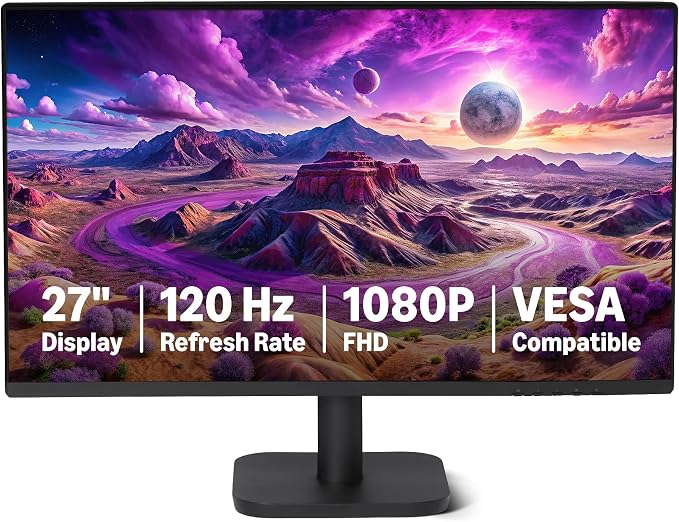
Amazon Basics 27" 1080p 120Hz IPS
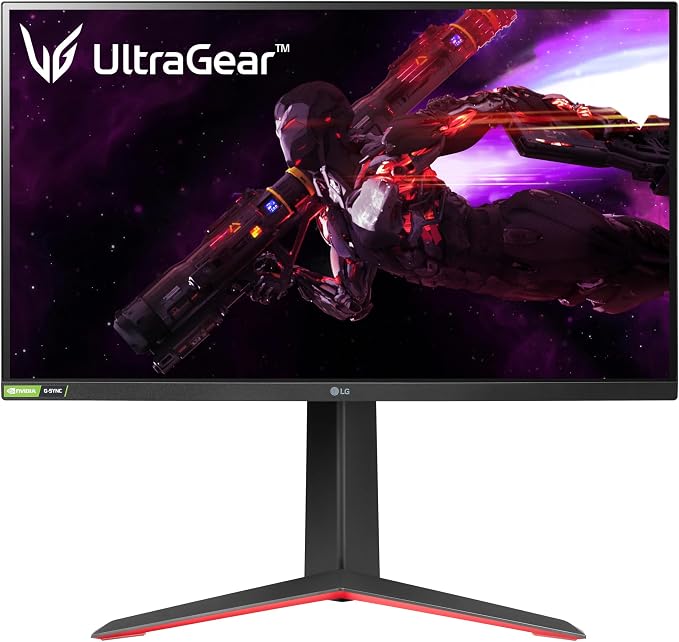
LG 27GP850-B UltraGear
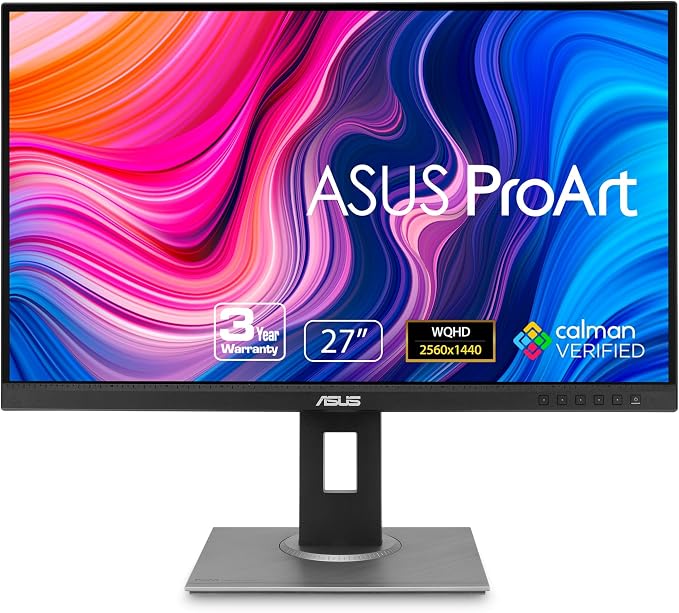
ASUS ProArt PA278QV
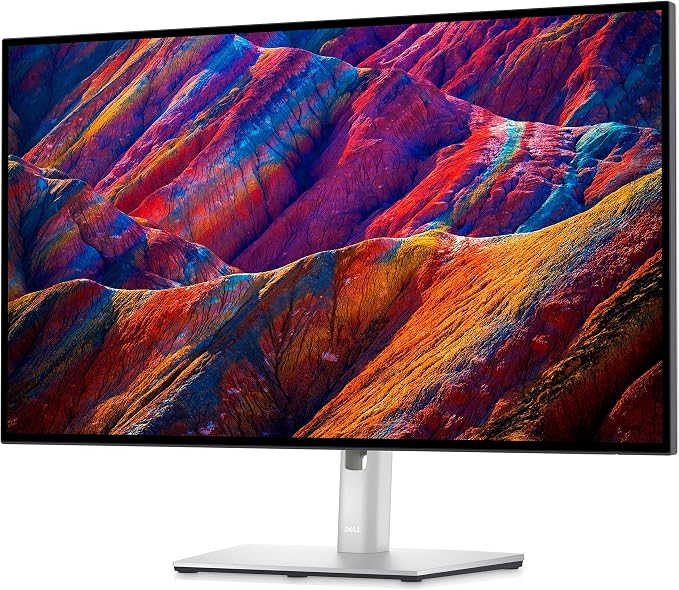
Dell UltraSharp U2723QE
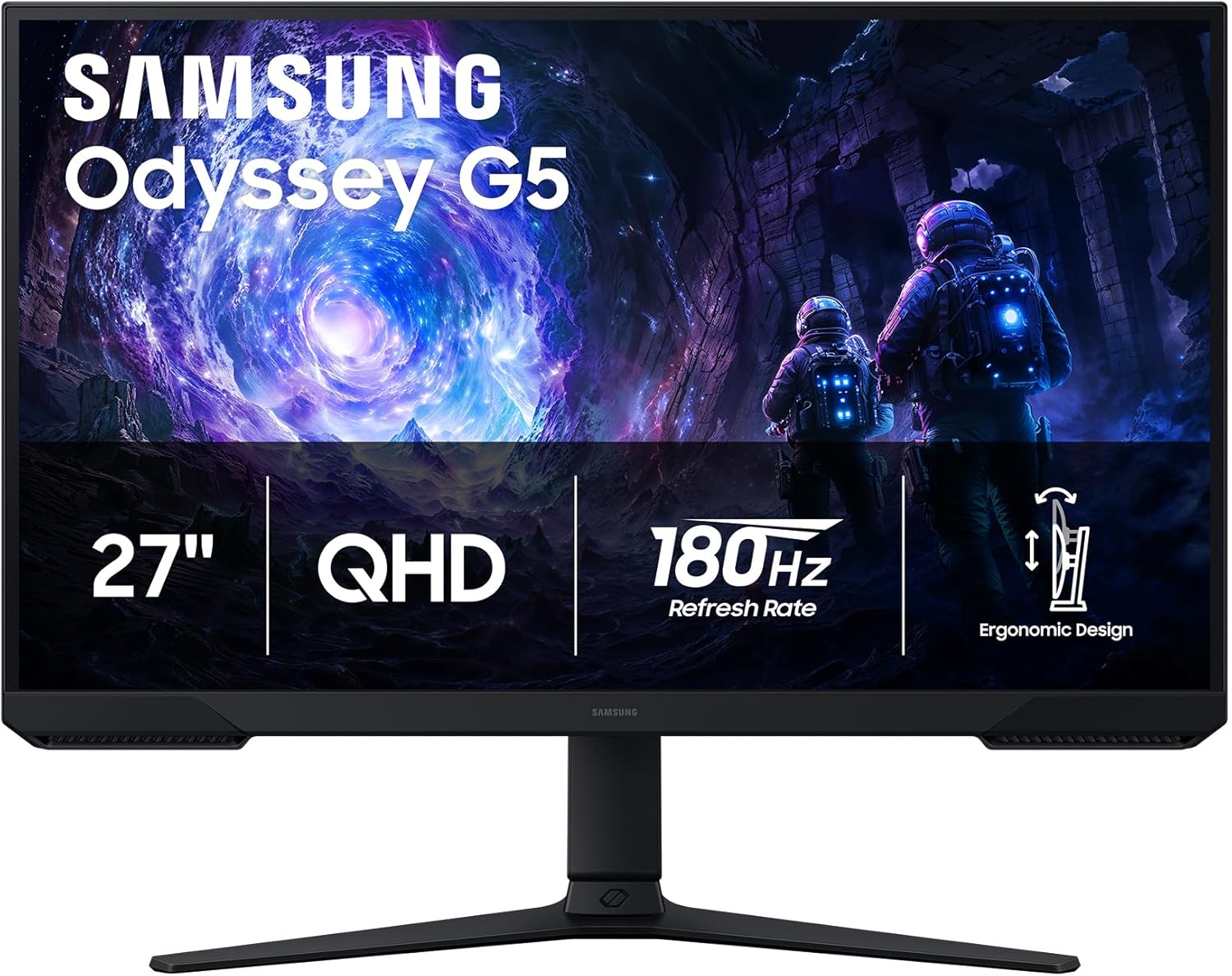
Samsung Odyssey G5 (G51F)
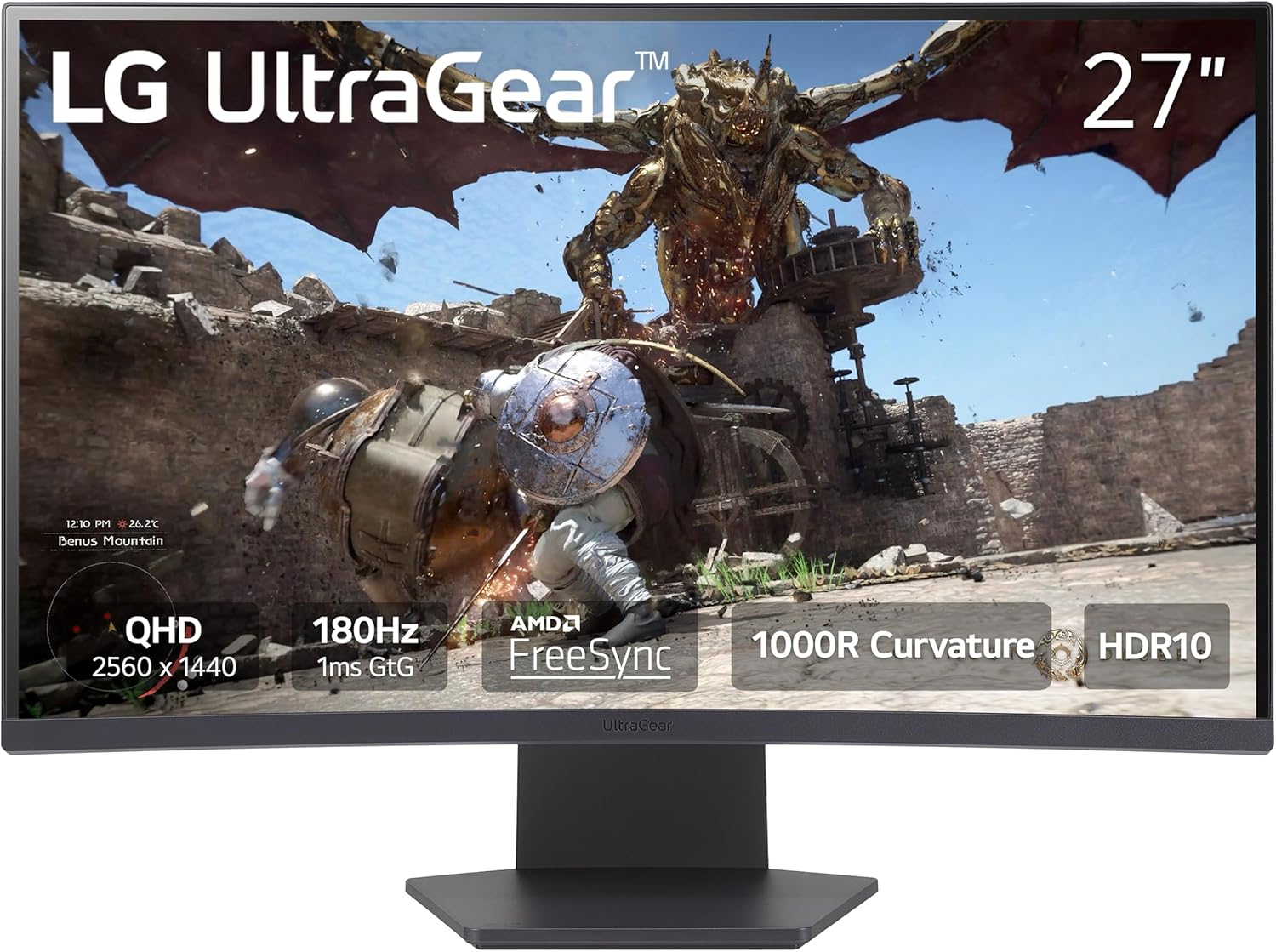
LG 27GS60QC-B UltraGear
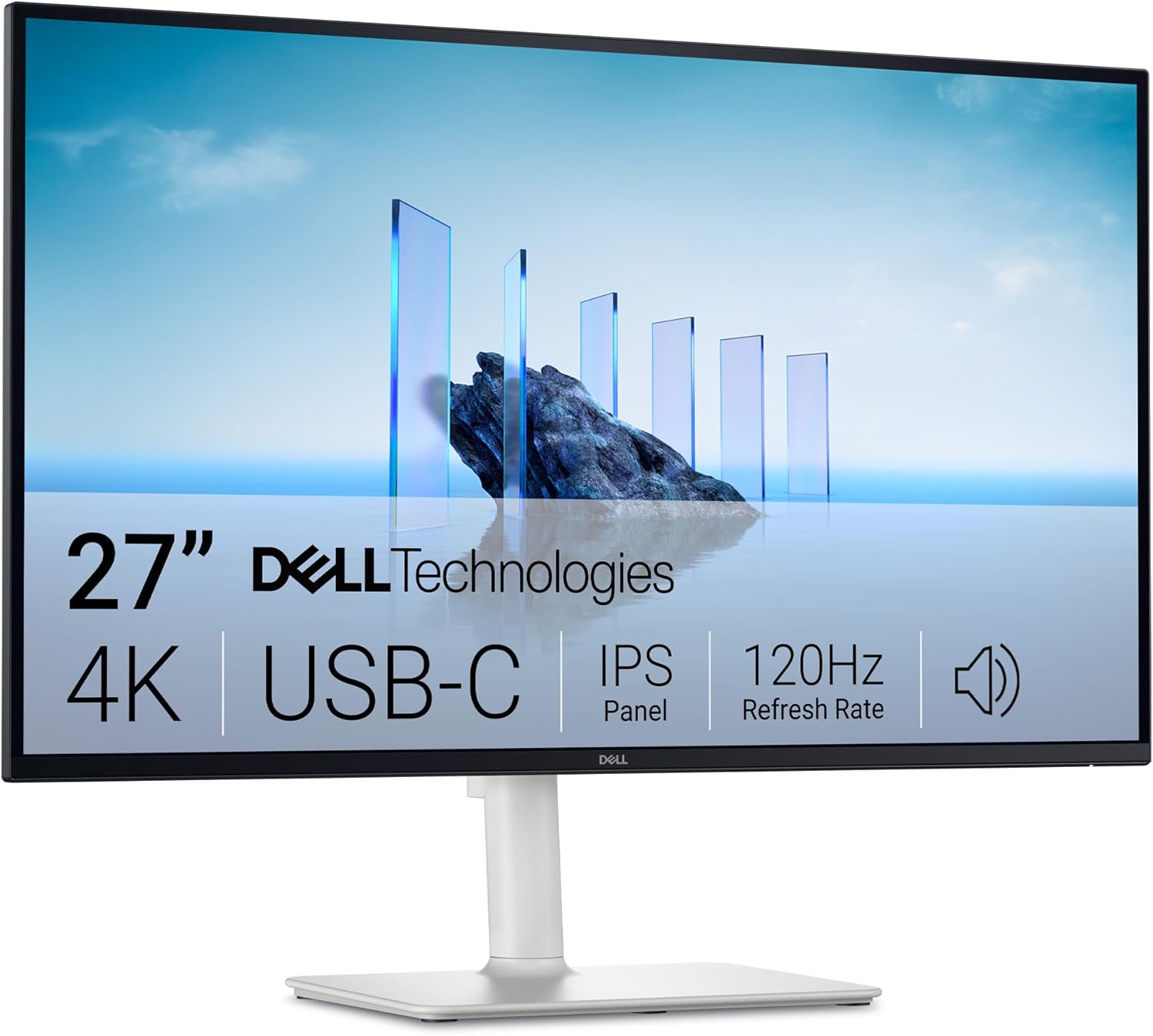
Dell 27 Monitor S2725QC
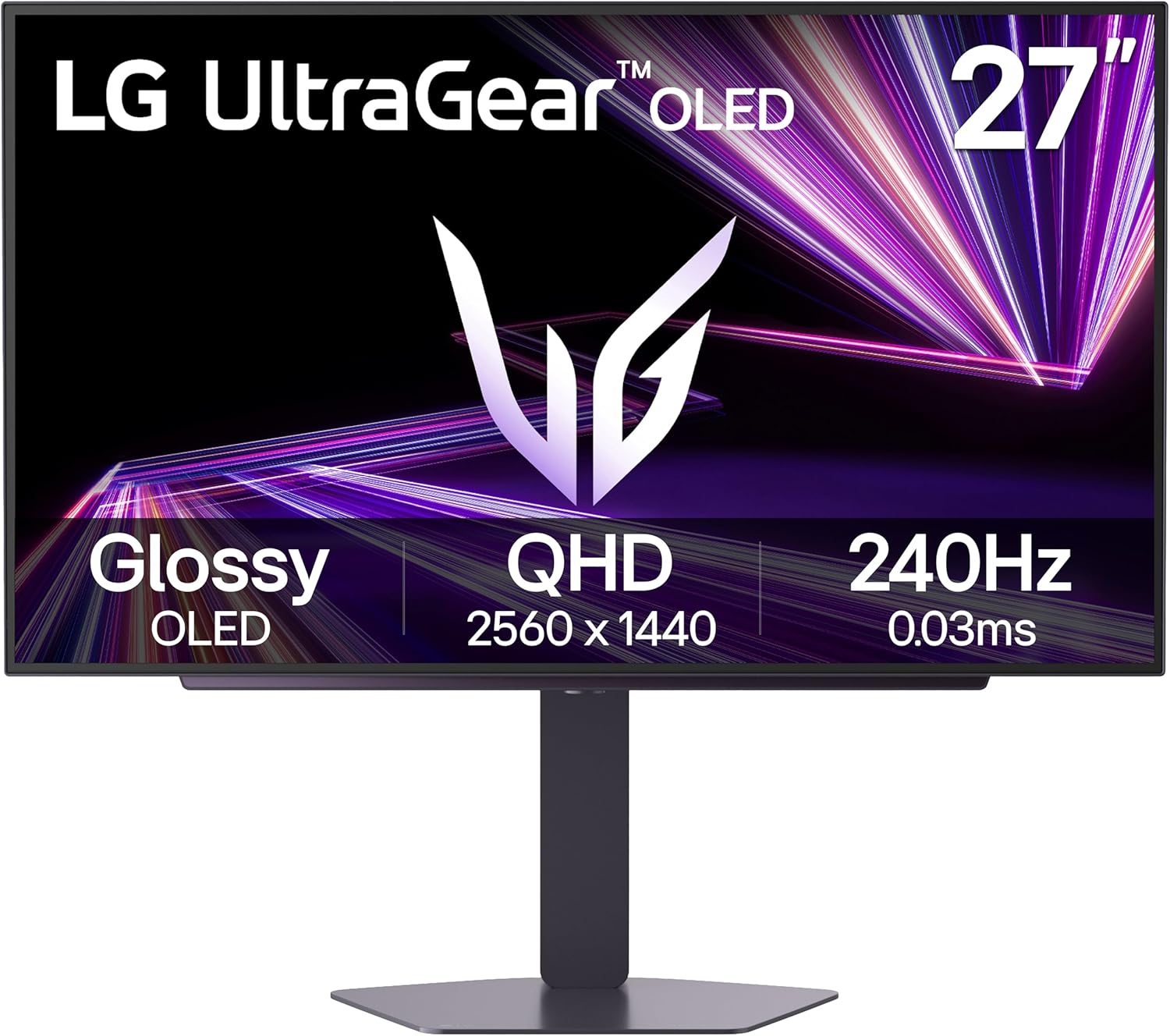
LG 27GX704A-B UltraGear OLED
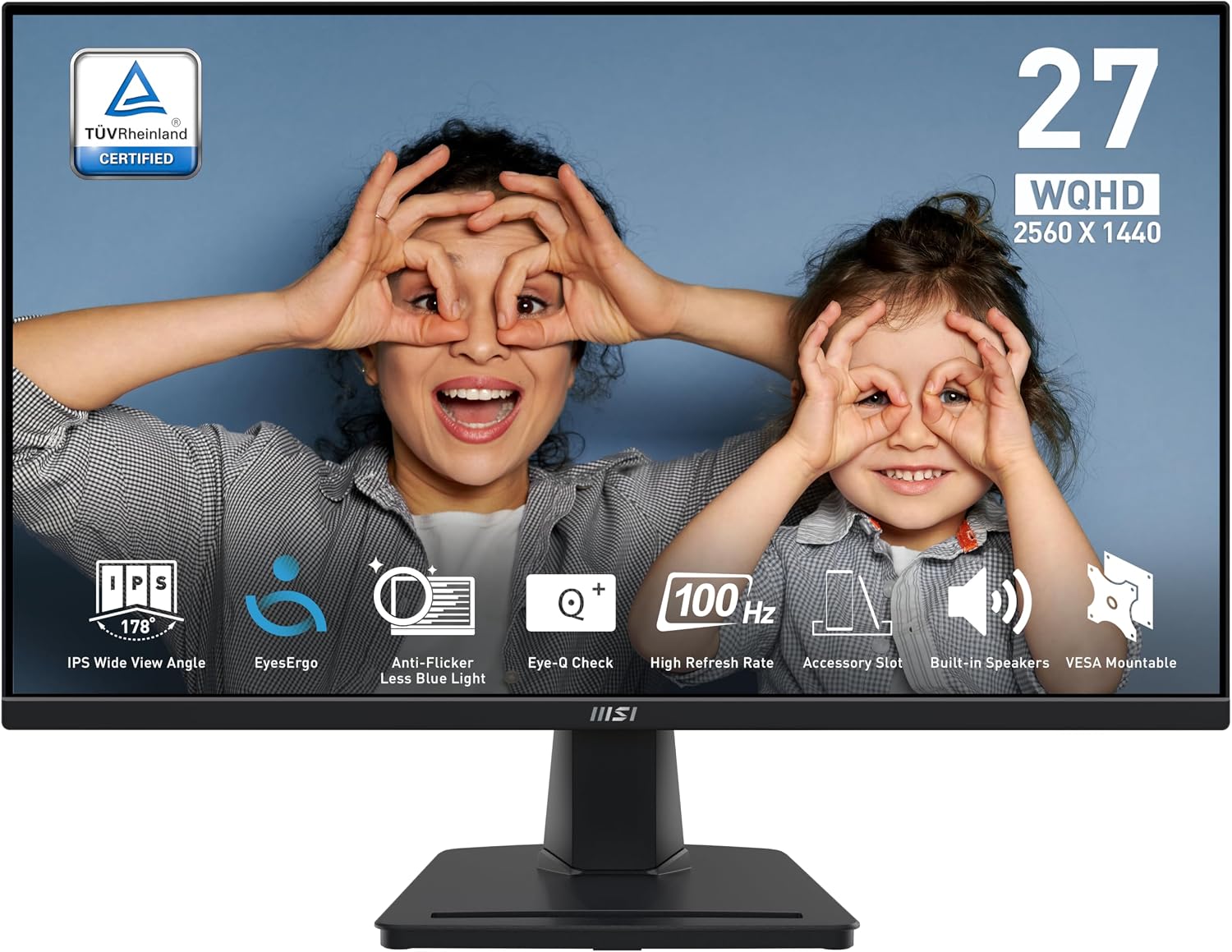
MSI PRO MP275Q
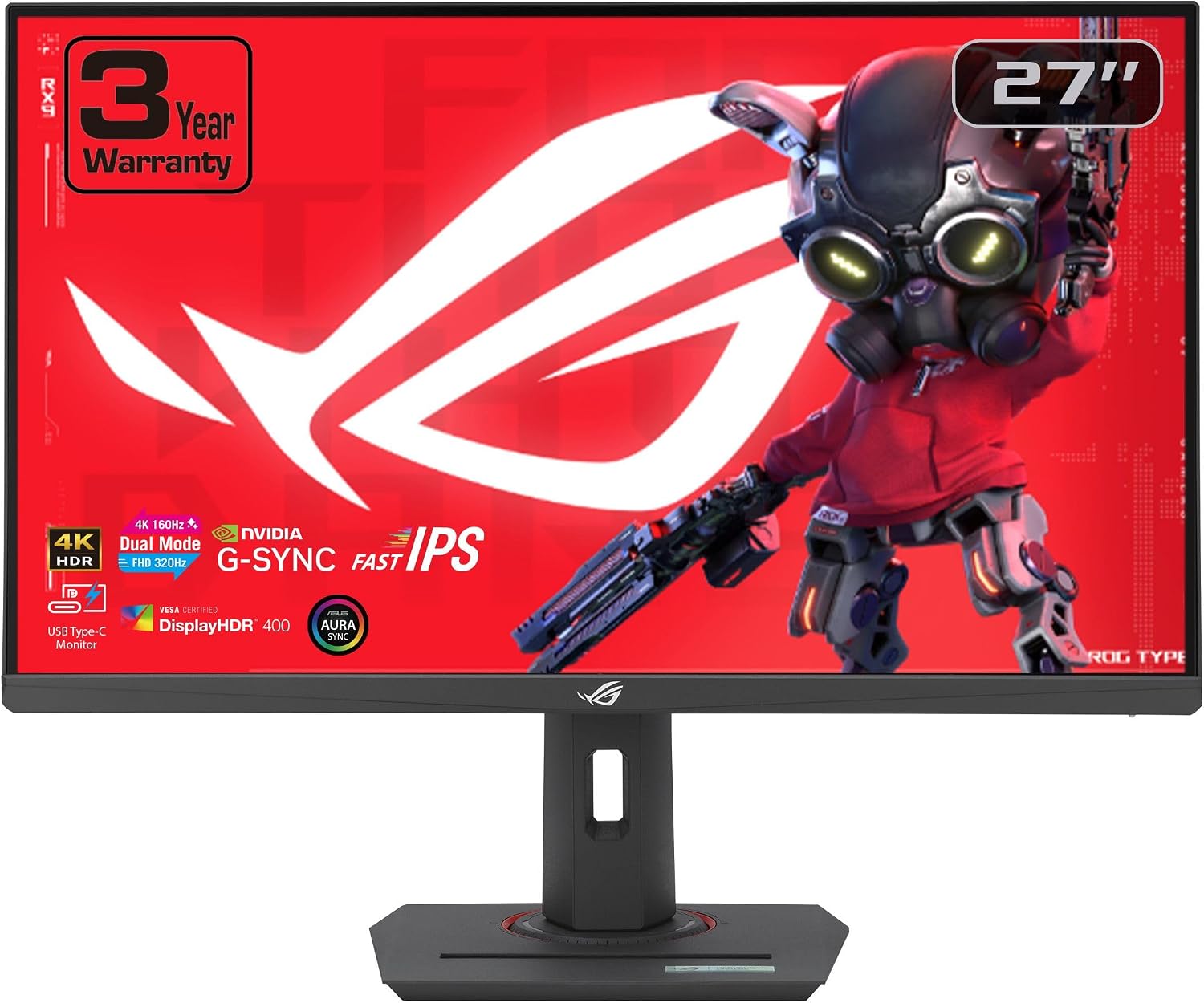
ASUS ROG XG27UCG
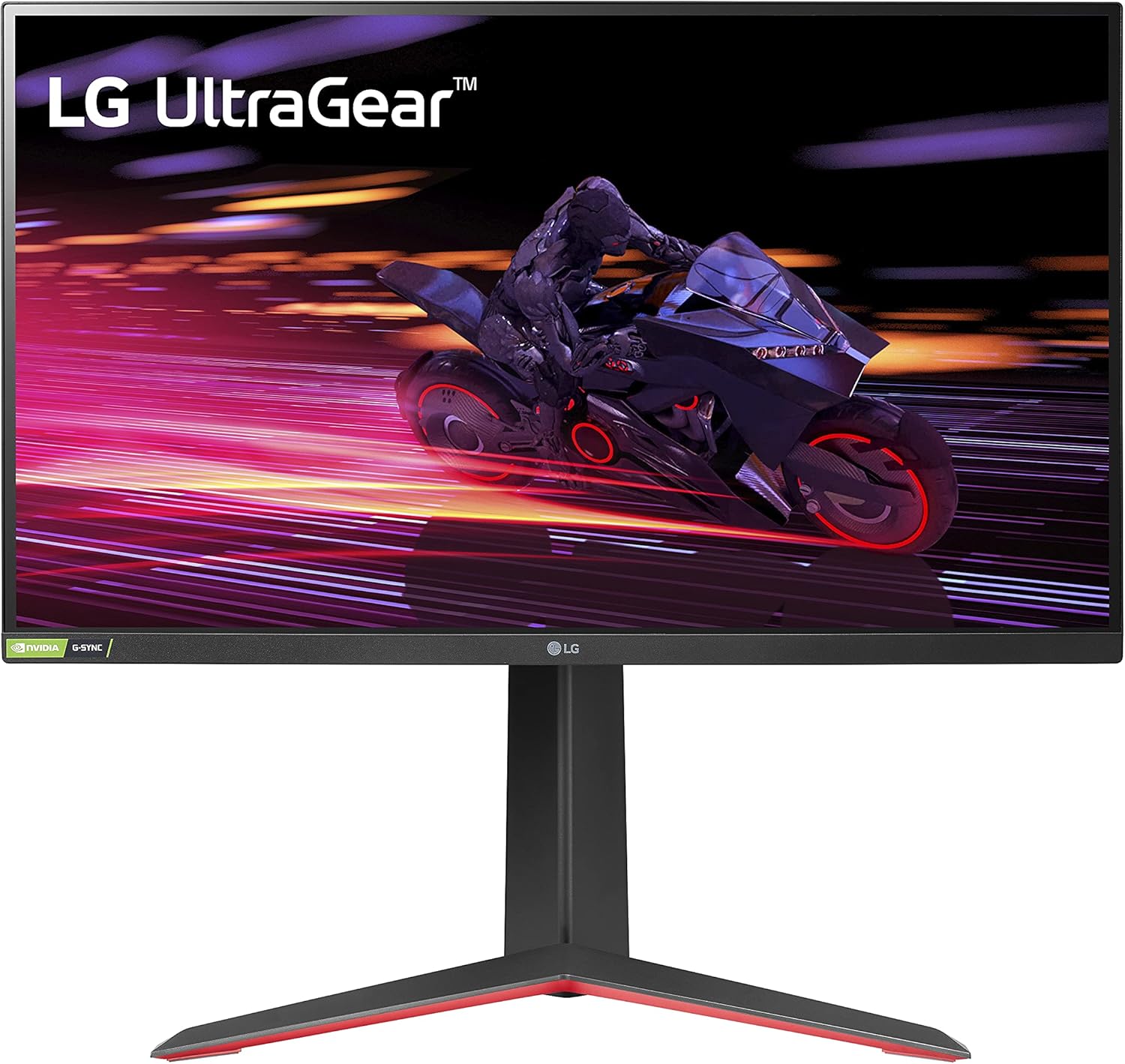
LG 27GP750-B UltraGear
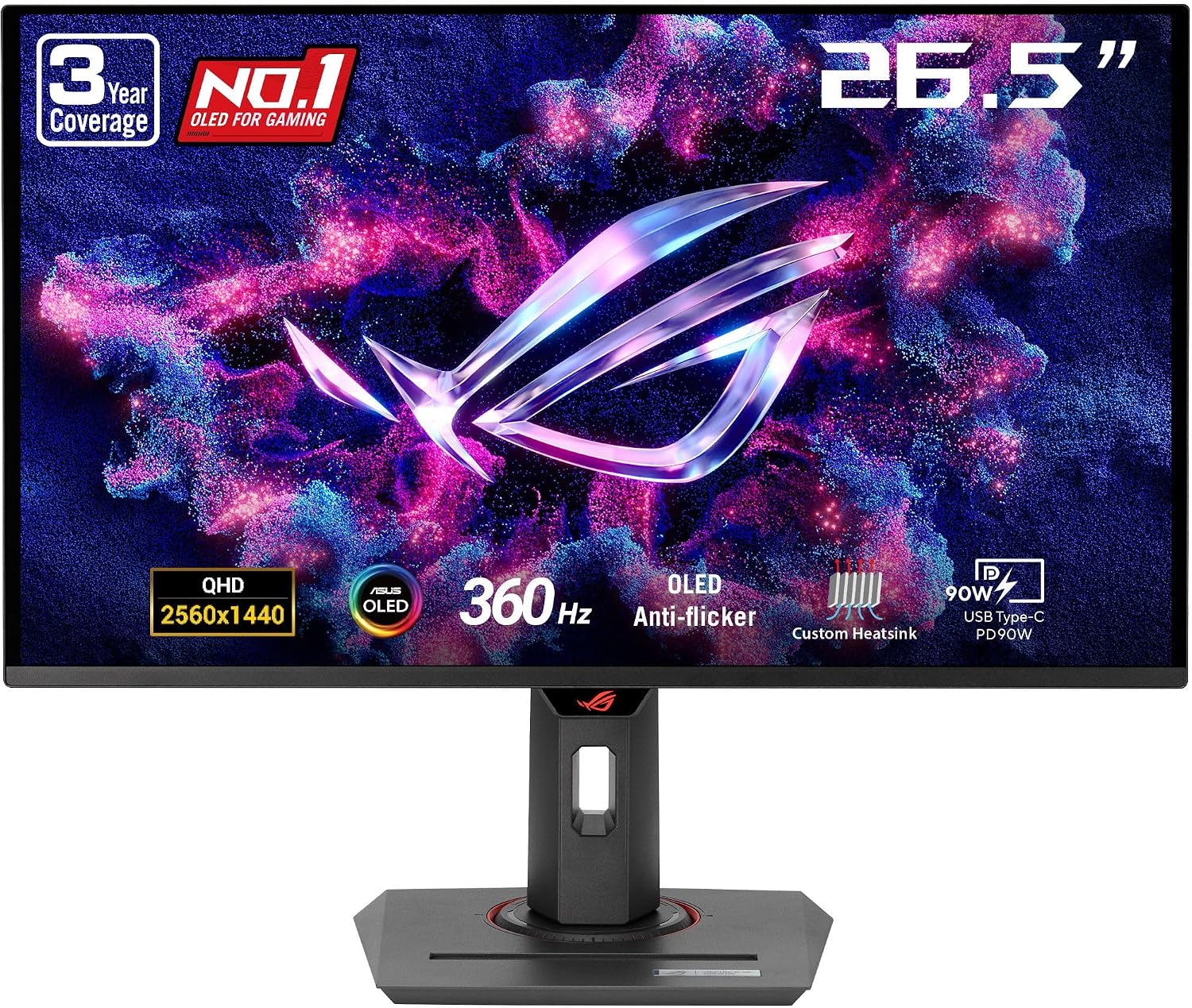
ASUS ROG Strix XG27ACDNG
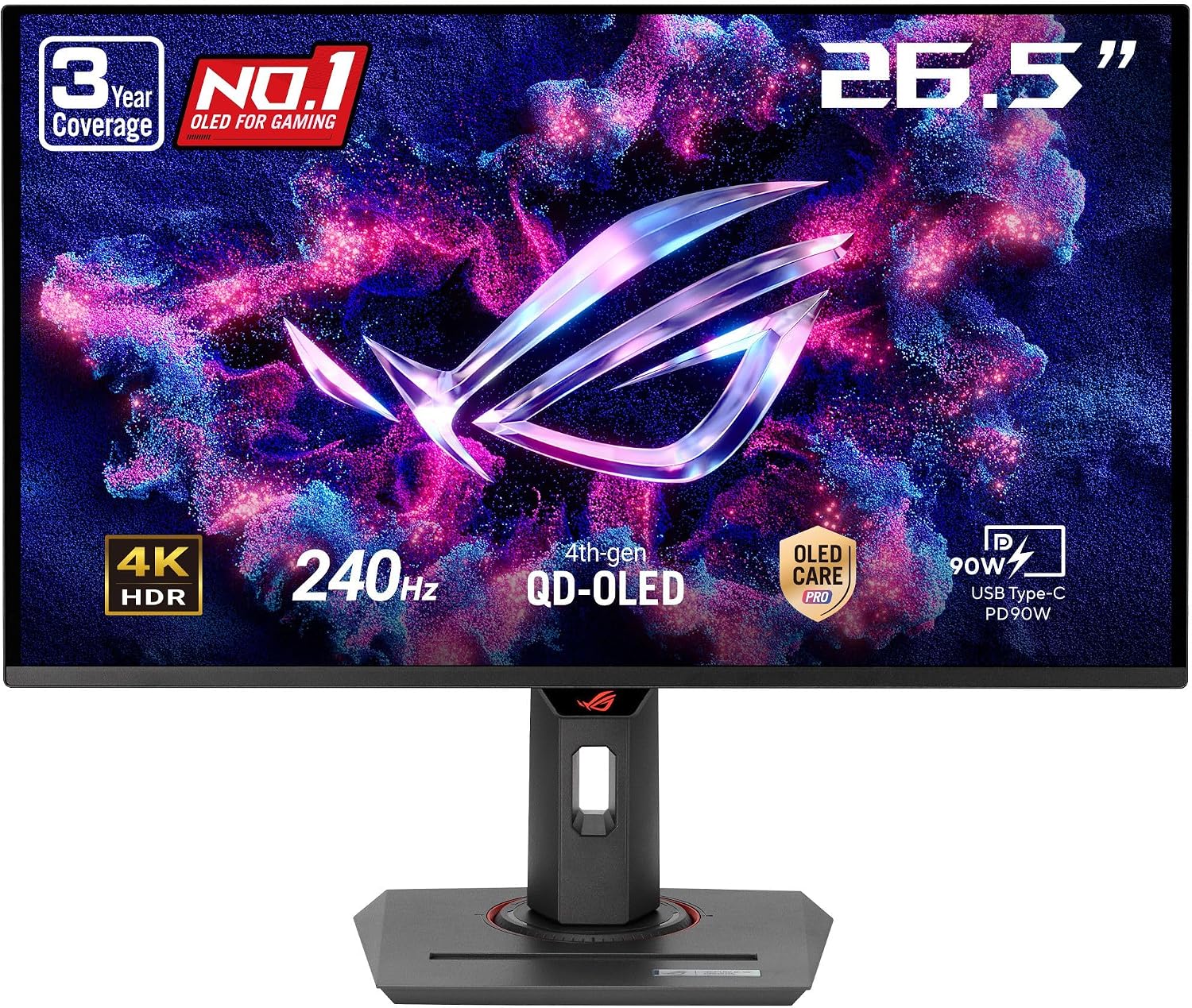
ASUS ROG Strix XG27UCDMG
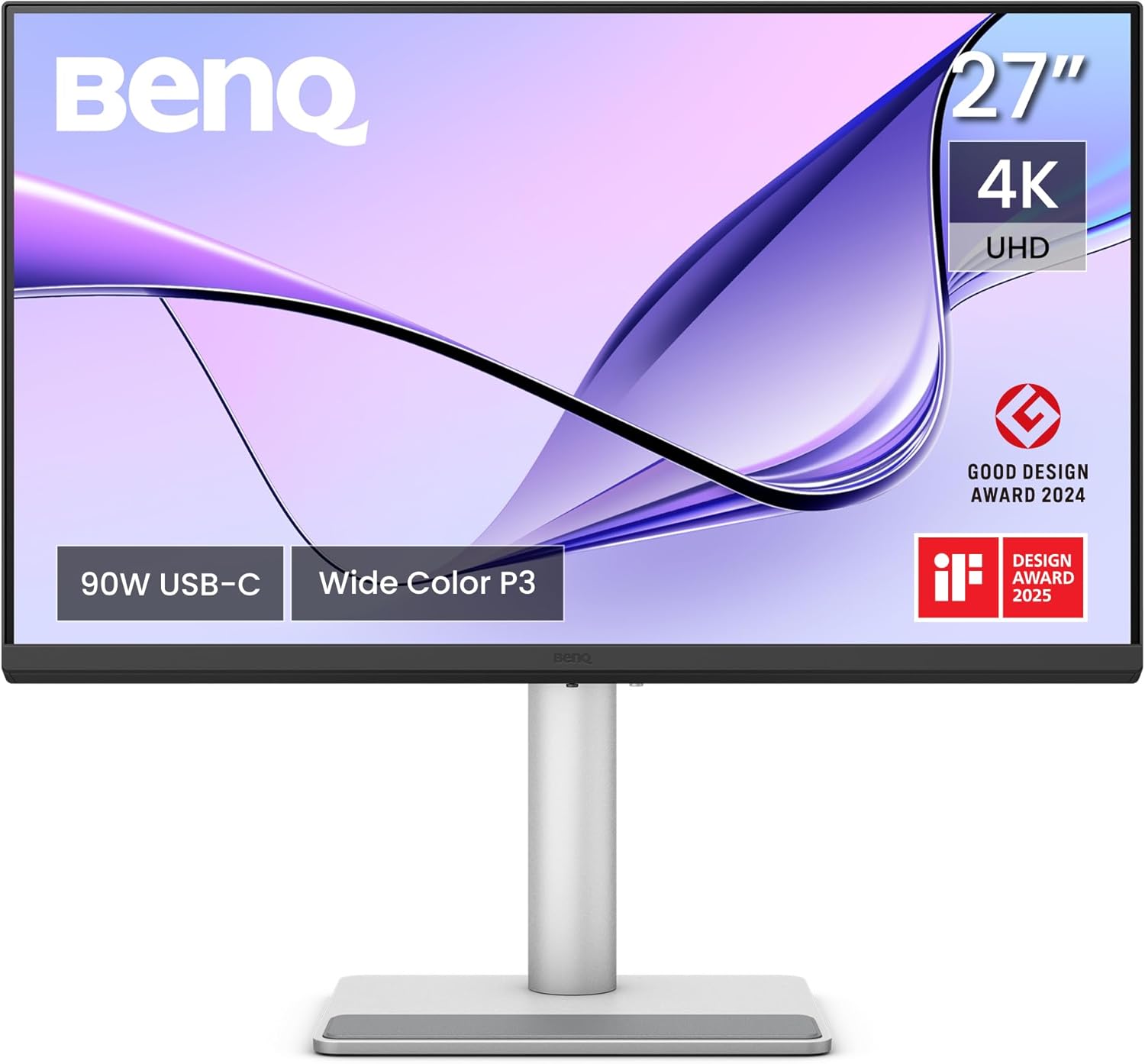
BenQ MA270U
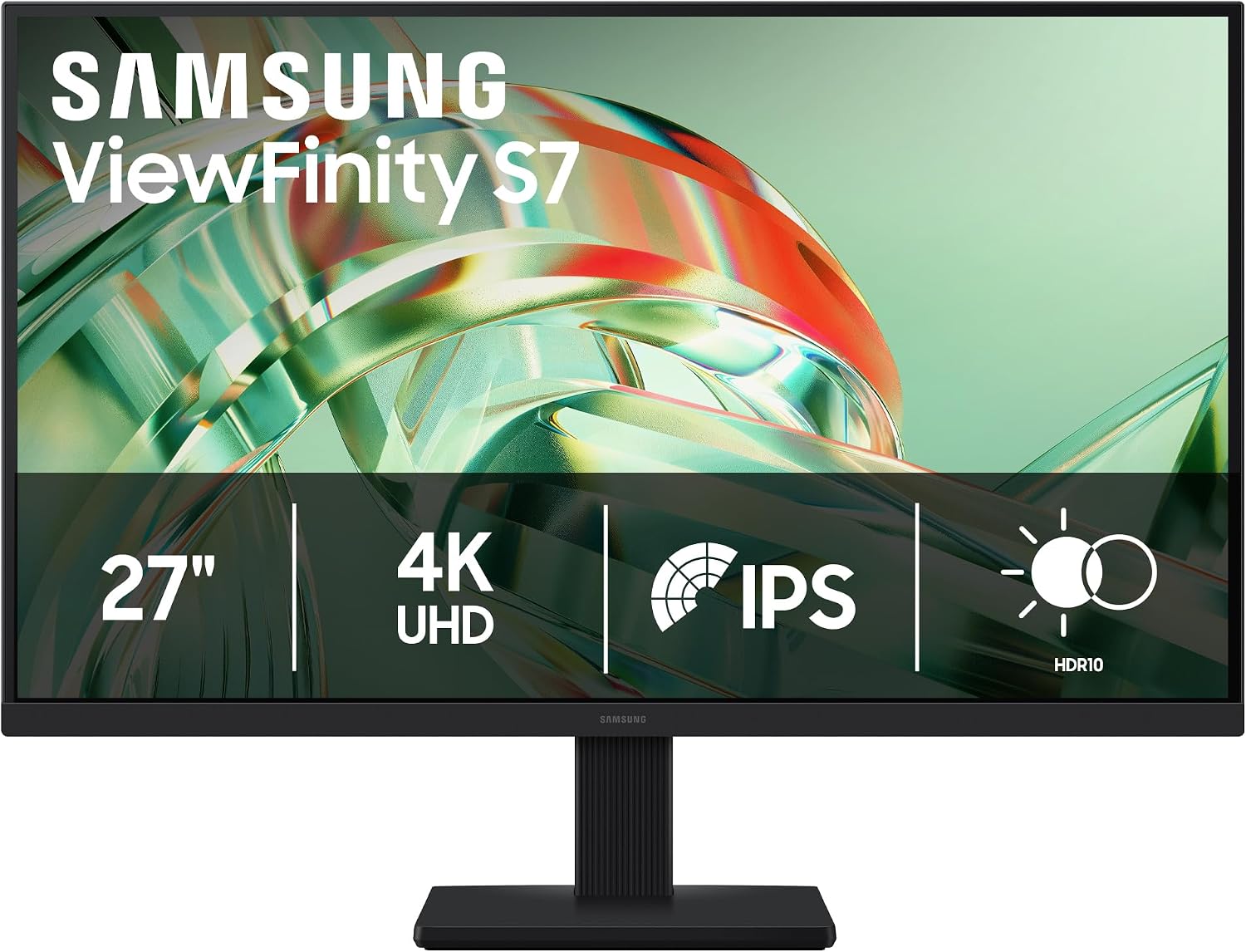
Samsung ViewFinity S7 (S71H)
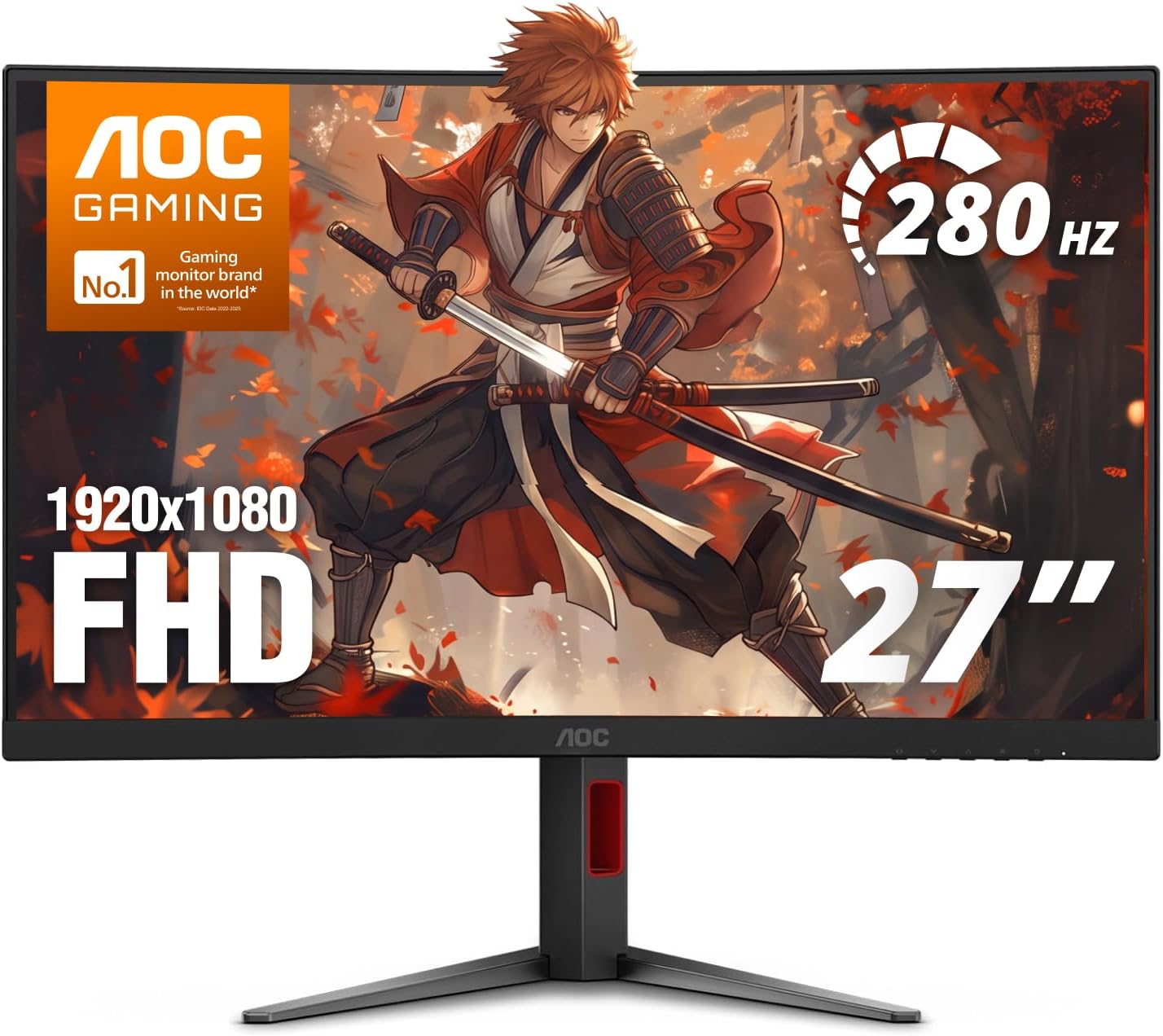
AOC C27G4ZH
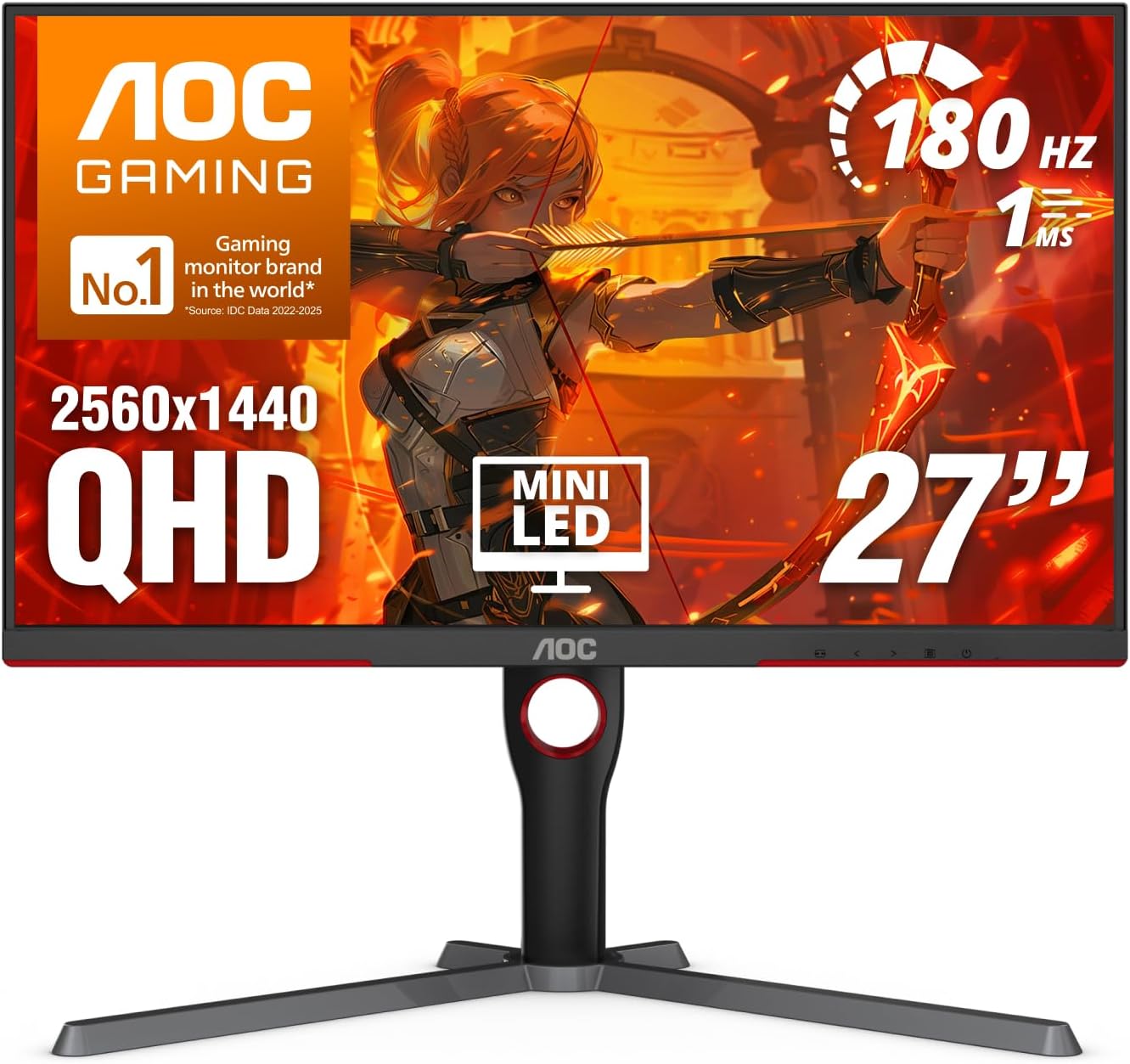
AOC Q27G3XMN
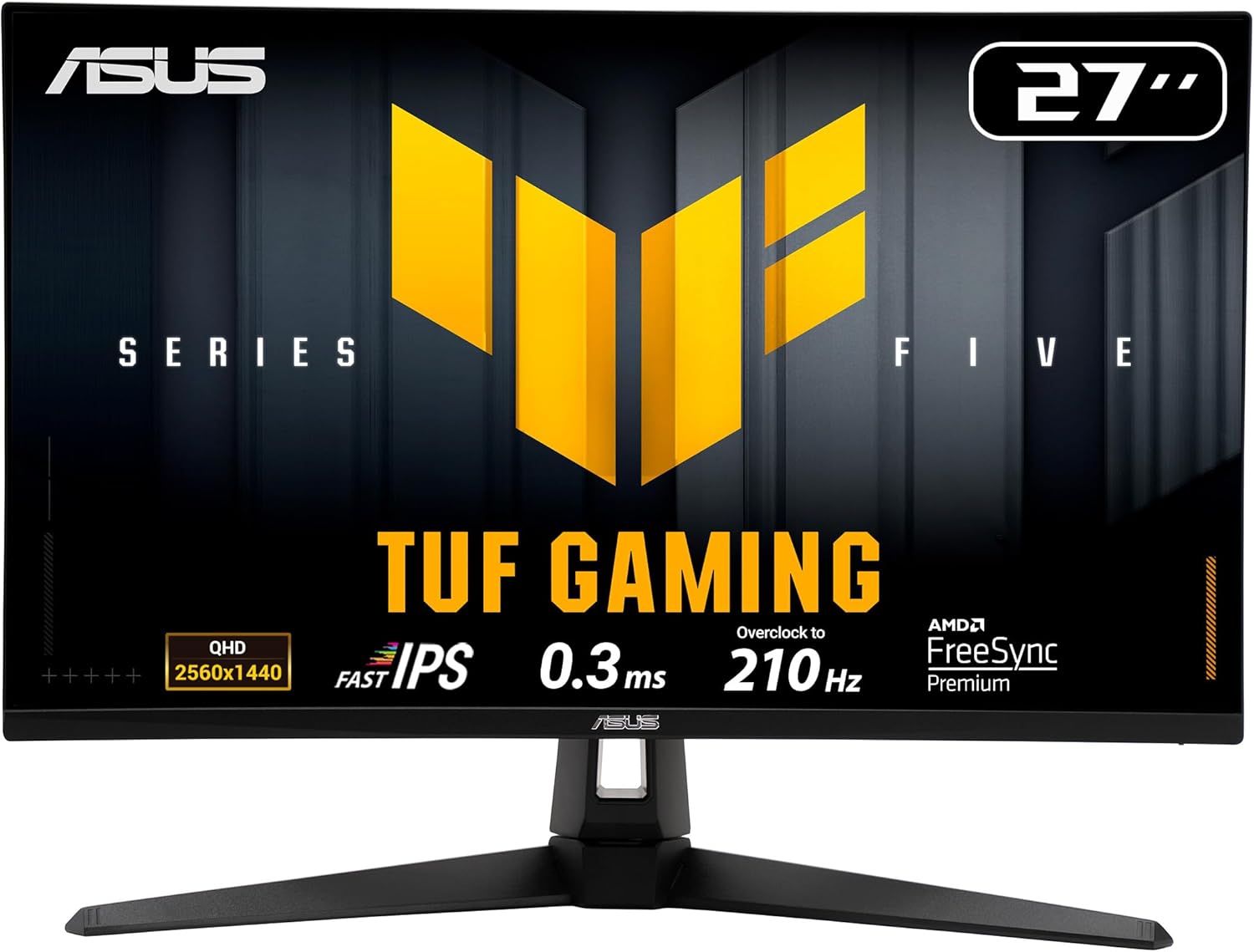
ASUS TUF Gaming VG27AQL5A
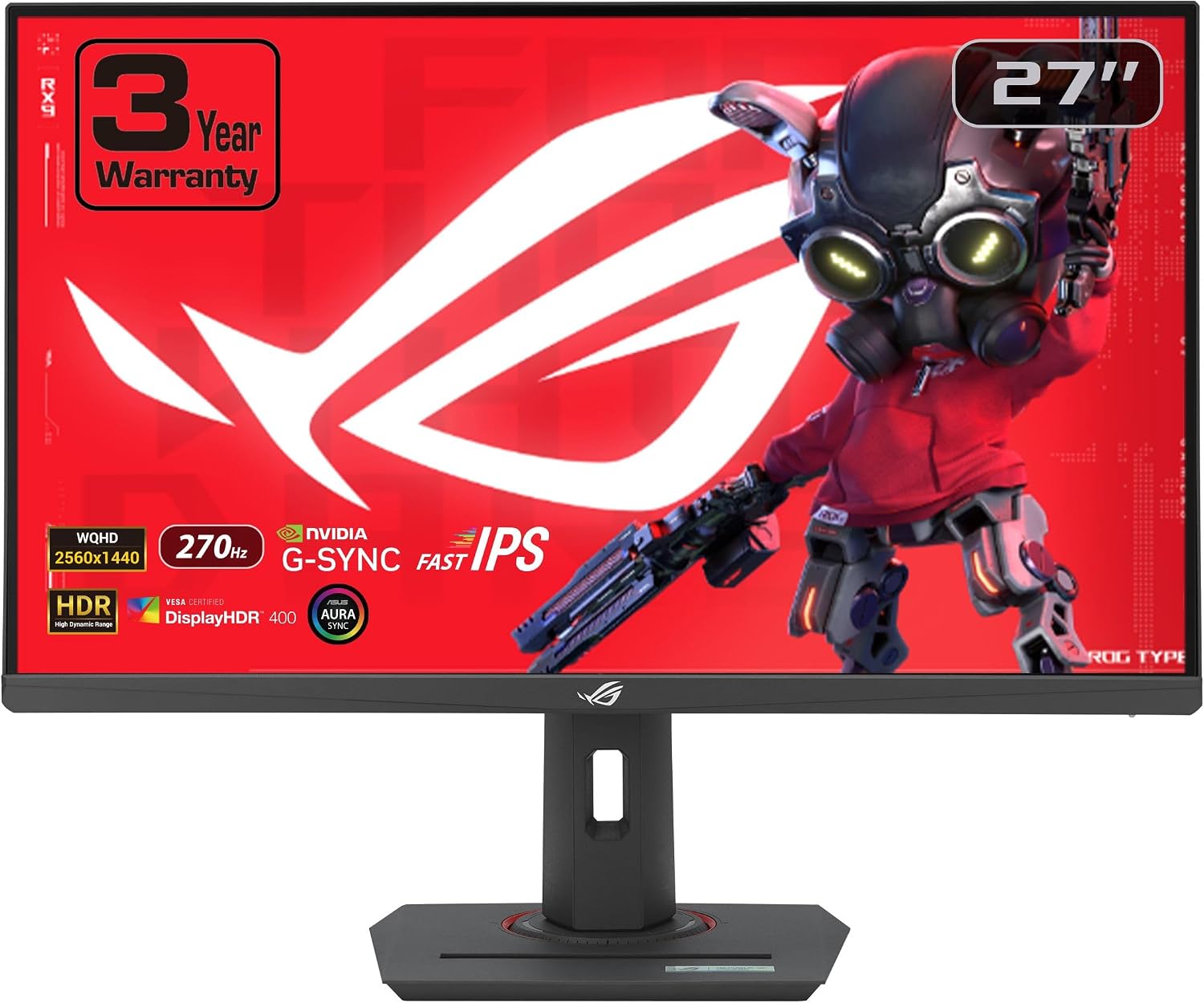
ASUS ROG Strix XG27ACMG
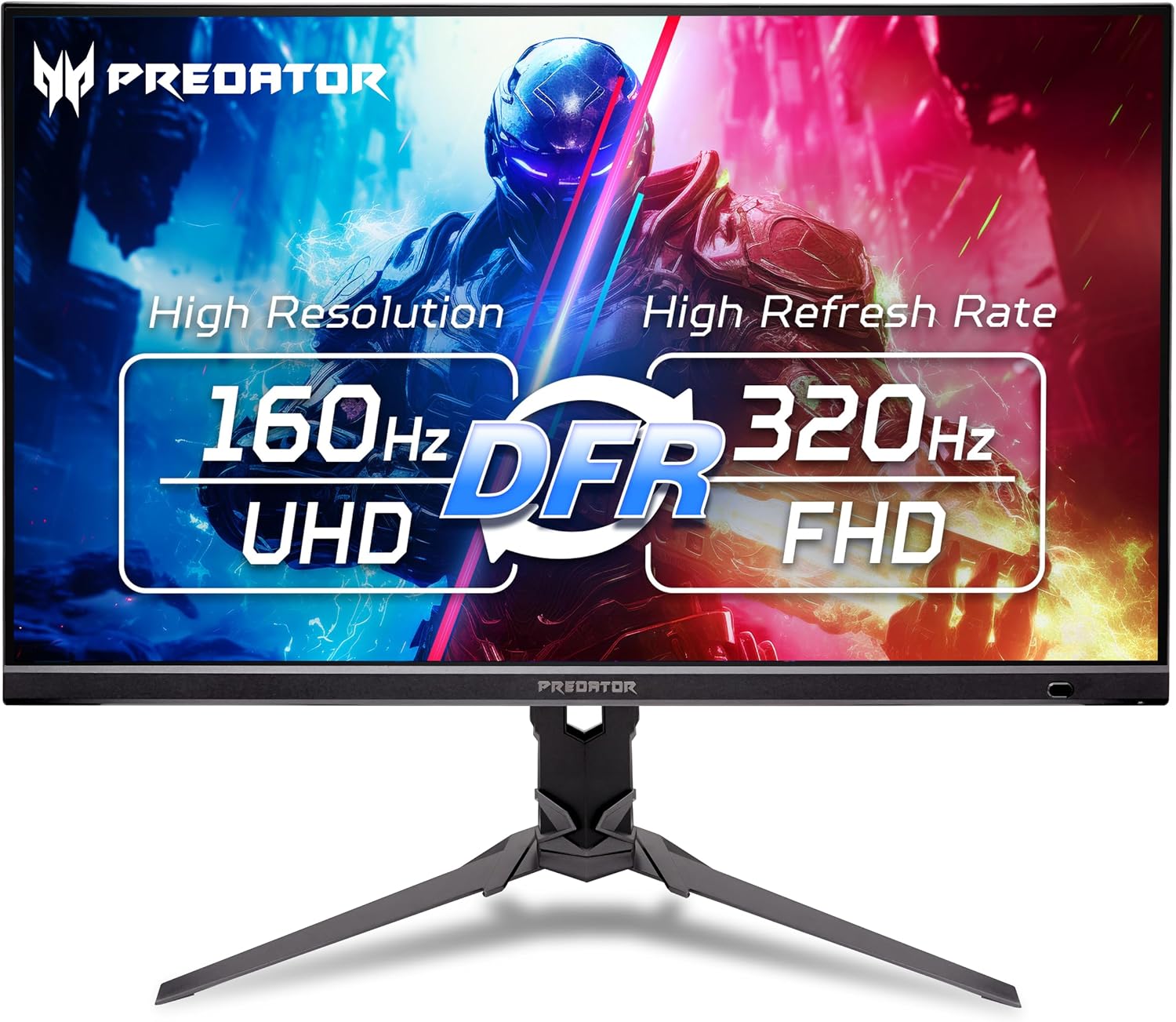
Acer Predator XB273K V5
Quick verdict
The Dell U2723QE remains the best pick for most people — real 4K with 90W USB-C docking around $425. The top of the range moved this month, though: the ASUS ROG Strix XG27UCDMG is the new flagship at ~$774, putting 4K and 240Hz on the same fourth-generation tandem QD-OLED panel. If you work on a Mac, the BenQ MA270U is the most Mac-native 4K display you can buy without paying Apple's price, and the Samsung ViewFinity S7 (S71H) drops true 4K to ~$250. For gaming, the ASUS ROG XG27UCG is the 4K 160Hz pick and the ASUS ROG Strix XG27ACDNG is the premium 360Hz QD-OLED. The LG 27GP850-B stays the best flat 1440p gaming under $250, the LG 27GS60QC-B adds a 1000R curve, and the Samsung Odyssey G5 is the cheapest 1440p 180Hz at ~$150. On a budget, the MSI PRO MP275Q is the 1440p office pick at ~$159, the Dell S2725QC gets you 4K USB-C for ~$300, the LG 27GP750-B is the 1080p 240Hz esports panel — just wait for a sale — and the AOC C27G4ZH is the cheapest route to 280Hz at ~$130. The LG 27GX704A-B stays the value 240Hz OLED, the ASUS ProArt PA278QV is the editor's choice, and the Amazon Basics 27" 1080p 120Hz is the cheapest 27" panel worth buying. Three new picks fill the gaps below the OLED tier: the AOC Q27G3XMN brings a 336-zone mini-LED backlight and real DisplayHDR 1000 down to ~$277, the Acer Predator XB273K V5 puts 4K at 160Hz at ~$300 with a 320Hz 1080p dual mode, and the ASUS ROG Strix XG27ACMG reaches 270Hz on IPS for ~$269. For the tightest budget, the ASUS TUF VG27AQL5A is the cheapest credible 1440p high-refresh panel at ~$189.
At a glance: specs and price
| Feature | Amazon Basics 27" 1080p 120Hz IPS | LG 27GP850-B UltraGear | ASUS ProArt PA278QV | Dell UltraSharp U2723QE | Samsung Odyssey G5 (G51F) | LG 27GS60QC-B UltraGear | Dell 27 Monitor S2725QC | LG 27GX704A-B UltraGear OLED | MSI PRO MP275Q | ASUS ROG XG27UCG | LG 27GP750-B UltraGear | ASUS ROG Strix XG27ACDNG | ASUS ROG Strix XG27UCDMG | BenQ MA270U | Samsung ViewFinity S7 (S71H) | AOC C27G4ZH | AOC Q27G3XMN | ASUS TUF Gaming VG27AQL5A | ASUS ROG Strix XG27ACMG | Acer Predator XB273K V5 |
|---|---|---|---|---|---|---|---|---|---|---|---|---|---|---|---|---|---|---|---|---|
| Price (from) | ~$107 | ~$225 | ~$380 | ~$425 | ~$150 | ~$189 | ~$300 | ~$400 | ~$159 | ~$449 | ~$272 | ~$549 | ~$774 | ~$550 | ~$250 | ~$130 | ~$277 | ~$189 | ~$269 | ~$300 |
| Size | 27" | 27" | 27" | 27" | 27" | 27" (curved, 1000R) | 27" | 27" | 27" | 27" | 27" | 26.5" | 27" (26.5" visible) | 27" | 27" | 27" (1500R curved) | 27" | 27" | 27" | 27" |
| Resolution | 1920×1080 (1080p) | 2560×1440 (1440p) | 2560×1440 (1440p) | 3840×2160 (4K) | 2560×1440 (1440p) | 2560×1440 (1440p) | 3840×2160 (4K) | 2560×1440 (1440p) | 2560×1440 (1440p) | 3840×2160 (4K) / FHD dual mode | 1920×1080 (1080p) | 2560×1440 (1440p) | 3840×2160 (4K) | 3840×2160 (4K) | 3840×2160 (4K) | 1920×1080 (1080p) | 2560×1440 (1440p) | 2560×1440 (1440p) | 2560×1440 (1440p) | 3840×2160 (4K) / 1080p dual mode |
| Refresh rate | 120Hz | 165Hz (overclockable to 180Hz) | 75Hz | 60Hz | 180Hz | 180Hz | 120Hz | 240Hz | 100Hz | 160Hz (4K) / 320Hz (FHD) | 240Hz | 360Hz | 240Hz | 60Hz | 60Hz (5ms GtG) | 280Hz (DisplayPort) / 240Hz (HDMI) | 180Hz | 210Hz | 270Hz (overclocked) | 160Hz (4K) / 320Hz (FHD) |
| Panel | IPS | Nano IPS | IPS | IPS Black | VA | VA | IPS | OLED | IPS | Fast IPS | IPS | QD-OLED | 4th-gen tandem QD-OLED | IPS | IPS | VA | VA mini-LED (336 zones) | Fast IPS | Fast IPS | Fast IPS |
| Brightness | 250 nits | 400 nits | 350 nits | 400 nits | 300 nits | 300 nits | 350 nits | 250 nits (HDR TrueBlack 400) | 300 nits | 400 nits (DisplayHDR 400) | 400 nits (HDR10) | DisplayHDR True Black 400 | 1,000 nits peak (HDR) | 400 nits | 300 nits | 300 nits | 1,000 nits peak (HDR1000) | 400 nits (HDR10) | 400 nits (HDR400) | 400 nits (HDR400) |
| USB-C / KVM | No | No | No (4× USB 3.0 hub) | Yes (90W PD + KVM) | No | No | Yes (65W PD) | No | No | USB-C (15W PD) | No | USB-C + HDMI 2.1 | USB-C 90W | USB-C 90W + 15W | No | No | No | No | USB-C video + 15W | No |
| Best for | Budget / office | Gaming | Photo / video editing | Office / laptop docking | Budget 1440p gaming | Curved gaming / value | 4K office / laptop docking | OLED gaming | Office / productivity | 4K gaming | Competitive FPS | Premium OLED gaming | Premium 4K gaming | MacBook / office | Budget 4K / office | Budget esports | Budget HDR gaming | Budget 1440p gaming | Competitive 1440p | 4K all-rounder |
Prices are approximate starting prices researched on October 22, 2026, and may change. Always check the current price on Amazon before buying.
Amazon Basics 27" 1080p 120Hz IPS: the budget all-rounder
The Amazon Basics 27\" 1080p 120Hz is the cheapest 27-inch panel worth buying in 2026. You give up some sharpness (1080p stretched across 27\" is noticeably softer than 1440p) and build quality, but you get a real120Hz IPS panel at a price ($107) where most brands are still selling 60Hz.
See the live Amazon Basics 27" product page.
Pros
- Real 27" 1080p IPS for under $110 — usually $60–$80 cheaper than a Dell or LG at this size
- 120Hz refresh makes Windows feel noticeably smoother than 60Hz at the same price
- VESA-mountable on a third-party arm
- Built-in speakers save desk space (basic quality)
Cons
- 1080p is visibly pixelated on a 27" screen at normal viewing distance
- Stand only tilts — no height adjust
- 250 nits brightness is dim in sunlit rooms
- No USB-C input — laptop users need a separate dongle
LG 27GP850-B UltraGear: best 1440p gaming
The LG 27GP850-B is the best 1440p gaming monitor under $250. The 165Hz Nano IPS panel delivers about 2.7× the smoothness of a 60Hz office monitor at the same screen size, and it's genuinely fast — 1ms GtG is competitive-grade for most games.
See LG's official 27GP850-B page or the current Amazon price.
The screen coating appears somewhat grainy, particularly during bright scenes — but for the price, nothing else is this fast and this color-accurate at the same time.
Pros
- 165Hz with 1ms GtG — about 2.7× the smoothness of a 60Hz office monitor
- Nano IPS delivers 98% DCI-P3 — vibrant HDR400
- G-SYNC Compatible + FreeSync Premium — no tearing on either GPU brand
- Ergonomic stand with height, tilt, and pivot
Cons
- Screen coating can look grainy in bright scenes — typical of Nano IPS
- Only 2× USB-A downstream — no USB-C input or KVM
- HDR400 is entry-level — not true HDR
- DisplayPort required for the highest refresh rates (HDMI caps at 144Hz)
ASUS ProArt PA278QV: best for professionals
The ASUS ProArt PA278QV is the best 1440p monitor for photo and video editing under $400. It's Calman-verified with Delta E < 2 out of the box, meaning you don't need to spend $200 on a calibrator to get accurate colors for client work.
See ASUS's ProArt page or the live Amazon price.
Overall, I'm quite pleased with it — the colors look correct, the stand is solid, and the slight darkening at the edges on white backgrounds is fairly standard for an IPS display at this price.
Pros
- Calman-verified — Delta E < 2 out of the box (no calibration needed)
- 100% sRGB and 100% Rec.709 — accurate for web and video work
- Fully ergonomic stand (height, tilt, swivel, pivot)
- 4-port USB 3.0 hub built in — handy for peripherals
Cons
- Only 75Hz — not for gaming
- No USB-C input — laptop users still need HDMI + a separate cable
- 8-bit panel, not 10-bit — limits HDR-grade work
- Darker-looking edges on white backgrounds (standard for IPS at this price)
Dell UltraSharp U2723QE: best 4K USB-C hub
The Dell UltraSharp U2723QE is the best 4K USB-C hub monitor under $500. Plug a USB-C cable into your laptop and you get 4K video, 90W charging, and a built-in KVM all over one wire. The new IPS Black panel delivers about 2× the contrast of standard IPS, which is why it looks noticeably deeper than older Dell UltraSharps.
See Dell's UltraSharp page or the live Amazon price.
I am really pleased with the U2723QE — the color matches my MacBook Pro so closely that I hardly notice any disparity when switching between screens.
Pros
- USB-C with 90W power delivery — single-cable dock for most laptops
- IPS Black panel — roughly 2× the contrast of standard IPS
- Built-in KVM (use one keyboard/mouse across two computers)
- 98% DCI-P3 + factory color report
Cons
- Only 60Hz — not for gaming
- Speakers are weak (most office monitors at this price are similar)
- Larger stand takes desk space — VESA-mountable but arm sold separately
- No HDMI 2.1 — fine for office, limiting for some 4K consoles
Samsung Odyssey G5 (G51F): best budget QHD
The Samsung Odyssey G5 (G51F) is the cheapest 1440p 180Hz monitor in this guide. For around $150 you get sharp QHD at 27" and a height-adjustable stand — a combination that's rare at this price. The trade-off is the VA panel, which shifts slightly off-angle and can smear in the darkest scenes.
See the live Samsung Odyssey G5 product page.
Pros
- 1440p at 27" for around $150 — the best price-to-spec ratio in this guide
- 180Hz with FreeSync keeps fast gameplay smooth and tear-free
- Height-adjustable stand included, which is rare at this price
- Sharp, pleasing picture for the money
Cons
- VA panel shifts color and contrast when viewed from an angle
- Dark scenes can show VA-style smearing in fast motion
- HDR10 is basic — 300 nits with no local dimming isn't real HDR
- No USB-C input — laptop users need a dongle or HDMI
LG 27GS60QC-B UltraGear: best curved value
The LG 27GS60QC-B is the best curved 27-inch monitor under $200. Its 1000R curve wraps the screen around your field of view for an immersive single-player feel, and the VA panel gives it deeper blacks than budget IPS alternatives — a real plus for dark games and movies. At 180Hz it's genuinely smooth, too.
See the live LG 27GS60QC-B product page.
Pros
- Real 27" 1440p at 180Hz for under $200 — rarely matched at this price
- 1000R curve wraps around you for an immersive single-player feel
- VA panel gives noticeably deeper blacks than budget IPS monitors
- Sharp, pleasing picture and smooth high-refresh gameplay
Cons
- VA panel smears in dark, fast-moving scenes (ghosting trails)
- The "Faster" overdrive setting makes ghosting worse, not better
- Stand is tilt-only — no height or swivel adjustment
- The strong 1000R curve won't suit everyone (it's not subtle)
Dell 27 Monitor S2725QC: best budget 4K USB-C
The Dell S2725QC is the budget route to a real 4K USB-C desk setup. One cable to your laptop carries 4K video and 65W of charging — enough for most ultrabooks — and the 120Hz panel makes scrolling and casual console gaming smoother than the 60Hz 4K panels at this price.
See the live Dell S2725QC product page.
Pros
- Real 4K at 163 PPI — crisp text for spreadsheets, code, and documents
- USB-C carries 4K video and 65W charging over one cable (great for MacBooks)
- 120Hz refresh plus VRR/ALLM make it a capable PS5 and casual-gaming screen
- Built-in speakers and adjustable stand are better than expected
Cons
- Motion clarity isn't a standout — not a competitive gaming monitor
- Some owners report a grainy or softer image at 120Hz
- No audio-out jack — you're stuck with the built-in speakers
- Still catches reflections in bright, sunlit rooms
LG 27GX704A-B UltraGear OLED: best OLED
The LG 27GX704A-B is the best-value OLED in this guide. At around $400 it delivers 240Hz with near-instant 0.03ms response and the inky, halo-free blacks only OLED can produce — a step change from even the best IPS panel. Just plan for OLED's habits: keep the room dimmer and let the pixel-refresh cycle run.
See the live LG 27GX704A-B product page.
Pros
- OLED contrast — inky blacks with zero haloing, a major upgrade over IPS
- 240Hz with 0.03ms response and low input lag — exceptionally clear motion
- Glossy coating gives a crisp, clear image, especially in dimmer rooms
- Around $400 for a 27" QHD OLED is outstanding value in 2026
Cons
- Glossy screen reflects lights and windows, and can feel dim in bright rooms
- VRR flicker appears when frame rates swing
- Text fringing is visible on desktop text (RGB subpixel layout)
- Burn-in risk from static UI — needs a few mitigation habits
MSI PRO MP275Q: best budget 1440p office
The MSI PRO MP275Q is the cheapest way into a sharp 27-inch 1440p office setup. Where budget 1080p panels look soft stretched across 27", the 2560×1440 IPS panel here keeps text crisp, and the 100Hz refresh makes scrolling feel smoother than the 60Hz panels that still dominate this price. Just plan for the stand — it tilts only, so factor in a monitor arm if you need height adjustment.
See the live MSI PRO MP275Q product page.
Pros
- Sharp 1440p text — noticeably crisper than 1080p at 27"
- 100Hz refresh makes scrolling and multitasking smoother than 60Hz
- 100% sRGB with 10-bit color (1.07B colors) — fine for office and casual creative work
- TÜV-certified low-blue-light and anti-flicker, plus built-in 2W speakers
Cons
- Tilt-only stand — no height adjustment (budget for a monitor arm)
- 300 nits is dim in bright, sunlit rooms
- No USB-C input — laptop users need HDMI/DP and a separate dongle
- Built-in speakers are basic — fine for calls, not for music
ASUS ROG XG27UCG: best 4K gaming
The ASUS ROG XG27UCG is the best 4K gaming monitor in this guide — and the reason is its dual-mode panel: real 4K at 160Hz for story-driven games, and a switch to 1080p at 320Hz when you want maximum frame rate in a competitive shooter. That flexibility, plus G-SYNC and FreeSync Premium, makes it the one-monitor answer for mixed gaming at around $449.
See the live ASUS ROG XG27UCG product page.
For $449 you get real 4K at 160Hz plus a 320Hz FHD mode for competitive games — the 1080p mode is soft, but it's the cheapest way to get both in one monitor.
Pros
- True 4K at 160Hz — a genuine high-refresh 4K panel under $500
- Dual mode drops to 1080p 320Hz for competitive titles
- G-SYNC Compatible + FreeSync Premium — tear-free on either GPU
- Fast IPS 1ms with ELMB Sync for sharper motion
Cons
- 1080p mode looks soft upscaled onto a 27" 4K panel
- Switching modes is OSD-only — no quick toggle while gaming
- USB-C delivers only 15W — won't charge a laptop
- DisplayHDR 400 is entry-level — not impactful HDR
LG 27GP750-B UltraGear: best 1080p esports
The LG 27GP750-B is the esports pick: a proven 240Hz 1080p IPS panel with low input lag and a fully adjustable stand, built for Valorant, CS2, and anything where frame rate beats resolution. The catch is value — at its ~$272 list price it's hard to recommend, so treat it as a buy only when it drops toward $200, and know that 1080p at 27" is noticeably soft for everyday desktop work.
See the live LG 27GP750-B product page.
Pros
- 240Hz with low input lag — ideal for Valorant, CS2, and fast shooters
- Vivid IPS color with solid sRGB coverage and wide viewing angles
- G-SYNC Compatible + FreeSync Premium for tear-free play
- Fully adjustable stand (height, pivot, tilt)
Cons
- 1080p at 27" is soft — about 81 PPI, so text and desktop look coarse
- Weak contrast and IPS glow — blacks wash out in a dark room
- HDR10 is nominal — not convincing HDR brightness or contrast
- List price (~$272) is high; only worth it on sale under ~$200
ASUS ROG Strix XG27ACDNG: best QD-OLED
The ASUS ROG Strix XG27ACDNG is the premium OLED in this guide. Its 360Hz QD-OLED panel pairs the deepest blacks and most vivid color (99% DCI-P3) with near-instant 0.03ms motion — a clear step above even the 240Hz OLED below for competitive and single-player alike. Note the panel is technically 26.5 inches (Samsung's QD-OLED cut) and shares OLED's usual caveats: text fringing and bright-room reflections.
See the live ASUS ROG Strix XG27ACDNG product page.
The picture is stunning in games and 360Hz is instantly smoother than my old 144Hz — text fringing is real on small fonts, but I'd buy it again.
Pros
- QD-OLED color — 99% DCI-P3, true 10-bit, Delta E < 2 out of the box
- 360Hz with 0.03ms response — near-instant, exceptionally sharp motion
- Deep, true blacks with no halo, and a custom heatsink for burn-in mitigation
- 3-year warranty with burn-in coverage included
Cons
- Text fringing is visible on desktop text (typical of QD-OLED)
- Blacks can look purple-tinted in bright rooms
- VRR flicker appears when frame rates swing
- At 26.5" it's a shade smaller than a true 27" — and the priciest pick here
ASUS ROG Strix XG27UCDMG: best 4K OLED
The ASUS ROG Strix XG27UCDMG is the new top of this roundup, and the reason comes down to one number: 240Hz at 4K. Until this generation you had to pick — 4K for sharpness at 60–160Hz, or 1440p for 240Hz and above. The fourth-generation tandem QD-OLED panel here does both, at 166 pixels per inch, which is about 1.5× the pixel density of the 1440p panels further down this list and the first OLED generation where small desktop text stops looking soft.
The trade-off is brightness behaviour. The 1,000-nit figure is real but applies to small HDR highlights; measured full-screen white lands nearer 260 nits, and the semi-glossy coating will happily bounce a window back at you. It also costs ~$774. If you want true 4K and true 240Hz in one panel, this is the one to beat; if you want either alone, you can spend half as much.
See the live ASUS ROG Strix XG27UCDMG product page.
XG27UCDMG, XG27UQDMS, PG27UCDM, and AW2725Q are all 4th Gen QD-OLED semi-glossy. XG27UQDMS has an updated metal stand vs plastic on the XG27UCDMG.
Pros
- 4K at 240Hz — the only panel in this roundup that pairs 3840×2160 with a 240Hz refresh, so you no longer choose between sharpness and speed
- Fourth-generation tandem QD-OLED: 166 PPI, the sharpest desktop text of any OLED here, plus ASUS's claim of about 20% less flicker than the previous generation
- 99% DCI-P3, true 10-bit colour, and Delta E < 2 out of the box — accurate enough for photo and video work as well as games
- DisplayHDR True Black 400 with roughly 1,015 nits measured on small HDR highlights (closer to 260 nits full-screen white)
- 3-year warranty that explicitly includes burn-in cover, plus OLED Care Pro and a proximity sensor that blanks the panel when you walk away
- 90W USB-C power delivery — a single cable runs the display and charges a laptop
Cons
- ~$774 — the most expensive monitor in this roundup, about 3.4× the LG 27GP850-B and 2× the ASUS ROG XG27UCG
- The 1,000-nit headline applies to small highlights; on a full-white screen it measures nearer 260 nits, so it can still look dim in a bright room
- DisplayPort 1.4 with DSC rather than DisplayPort 2.1 — fine for 4K 240Hz, but no bandwidth headroom
- The Neo Proximity Sensor can false-trigger and blank the screen mid-session
- Semi-glossy QD-OLED coating reflects ambient light, and QD-OLED blacks can tint slightly purple under strong light
- This model ships on a plastic stand — the near-identical XG27UQDMS gets a metal one
BenQ MA270U: best for MacBook owners
The BenQ MA270U is the first 27-inch 4K monitor we've covered that is genuinely built around a Mac rather than merely compatible with one. The panel is factory-tuned to match a MacBook's colour, the brightness and volume keys on your MacBook drive the monitor over the USB-C link, and a single cable carries video, 90W of charge, and a USB hub. If your desk is a MacBook and you're tired of a monitor that looks nearly right next to the laptop screen, this fixes it in one purchase.
What it doesn't fix is speed. 60Hz is the ceiling, and at ~$550 you are paying a premium over the Dell U2723QE — which also does 4K and 90W USB-C, and throws in a KVM. Buy the BenQ if Mac colour matching is the whole point; buy the Dell if you dock a Windows laptop too.
See the live BenQ MA270U product page.
My only concern is the 60Hz refresh rate... I'm also a heavy mac user. None of the Dell monitors match the colors I'm used to seeing.
Pros
- Mac Color Match calibration out of the box — roughly 95% DCI-P3, so it sits close to a MacBook panel without you profiling anything
- Dual USB-C: 90W upstream to charge a MacBook Pro, 15W downstream to top up an iPhone or iPad
- Brightness and volume keys on the MacBook drive the monitor directly over the USB-C link
- Full ergonomic stand — 115mm height, tilt, swivel, and 90° pivot — where the Samsung ViewFinity S7 below offers tilt only
- 400 nits and two HDMI 2.0 ports plus a USB hub, so a console or second source plugs straight in
- 406 Amazon ratings at 4.6★ — an established listing with plenty of owner feedback to read
Cons
- 60Hz only — the single thing stopping it being a do-everything panel, and the first drawback owners raise
- DisplayHDR 400 with no local dimming: HDR content looks flat rather than punchy
- The 15W downstream USB-C won't charge a laptop — it's phone and tablet duty only
- IPS glow in dark rooms, and 400 nits is still modest in a sunlit one
- ~$550 is about $125 more than the Dell U2723QE, which also does 4K and 90W USB-C and adds a KVM switch
- Reviewers note the stand and casing feel less premium than the price implies
Samsung ViewFinity S7 (S71H): cheapest real 4K
If 4K is the only feature you actually need, the Samsung ViewFinity S7 (S71H) is the cheapest honest way to get it in 2026. At ~$250 it undercuts the Dell S2725QC by roughly $50 while delivering the same 3840×2160 canvas — about 163 pixels per inch, or 1.5× the sharpness of 1440p and 2× that of 1080p at 27 inches.
What you give up is everything adjustable. The stand tilts and does nothing else, there's no USB-C, and the panel is a 60Hz office part. That is a fair trade at this price — but if you want to dock a laptop over one cable, step up to the Dell S2725QC or U2723QE instead.
See the live Samsung ViewFinity S7 (S71H) product page.
Pros
- True 4K for ~$250 — about $50 under the next cheapest 4K here (Dell S2725QC) and $175 under the Dell U2723QE
- 163 PPI: spreadsheets, code, and PDFs are dramatically sharper than on any 1080p or 1440p panel at this size
- Matte anti-glare coating — the opposite trade-off to the glossy OLEDs above, and the right one for a bright office
- HDR10 support plus TÜV-certified Eye Saver mode with a flicker-free backlight
- 99% sRGB is plenty for office work, email, and casual photo editing
- Sold and shipped by Amazon at list price — no third-party mark-up
Cons
- Tilt-only stand: no height, swivel, or pivot adjustment, so budget for a VESA arm
- 60Hz and 5ms GtG — fine for documents, wrong for gaming
- No USB-C at all, so no single-cable laptop docking; you'll need HDMI or DisplayPort plus a separate charger
- 300 nits and no published DCI-P3 coverage — not a colour-critical or print-work panel
- Only ~50 Amazon ratings, so there's little long-term reliability data on this 2026 model yet
AOC C27G4ZH: cheapest 280Hz
The AOC C27G4ZH answers a simple question — how cheap can 280Hz get? About $130. To put that in context, it costs roughly half what the 1080p 240Hz LG 27GP750-B asks, and it includes the height-adjustable stand most monitors at this price leave out. As a first gaming monitor, or a second screen for a shooter, the value is hard to argue with.
Two things to accept first. 1080p at 27 inches is ~82 PPI — fine for games, soft for text. And it's a VA panel: contrast is excellent at 3000:1, but dark-scene transitions smear. If you read more than you frag, buy a 1440p IPS instead; if you play fast and want to spend the least, this is the one.
See the live AOC C27G4ZH product page.
I would probably avoid a VA monitor - it can have bad smearing/ghosting and poor motion quality, IMO it makes more sense to get a 1440P IPS monitor for a bit more.
Pros
- 280Hz for ~$130 — less than half the price of the LG 27GP750-B's 240Hz, and the cheapest high-refresh panel in this roundup
- 3000:1 native VA contrast, so dark scenes carry far more depth than an equivalently priced IPS
- 0.3ms MPRT and FreeSync Premium, with a 1500R curve that fills your peripheral vision
- Height-adjustable stand at a price where most rivals only tilt — no extra monitor arm needed
- 3-year warranty, and AOC's listings often add a zero-dead-pixel guarantee
- 552 Amazon ratings at 4.6★ — the most-reviewed monitor added in this batch
Cons
- 1080p on a 27-inch panel is about 82 PPI: text is visibly soft, and it's the most common complaint about this size-and-resolution pairing
- VA panels smear in dark transitions; owners either stop noticing it or can't live with it
- 280Hz requires DisplayPort — HDMI caps out at 240Hz
- Plastic-feeling housing, with scattered owner reports of flicker or brief blackouts
- No USB-C, no USB hub, and no KVM — it's a display and nothing else
- HDR is nominal: 300 nits with no local dimming
AOC Q27G3XMN: best budget HDR
The AOC Q27G3XMN is the odd one out in this roundup: a mini-LED panel with 336 dimming zones at a price where everyone else sells edge-lit IPS. That backlight is the whole argument. HDR highlights hit roughly 1,000 nits while the zones hold the rest of the screen dark, which is the effect OLED buyers pay a premium for — minus the burn-in routine and the dim full-screen white.
The trade-off is the panel underneath. It is VA, so dark transitions smear, and even 336 zones cannot stop halos forming around small bright objects. Plan on calibrating it too: the sRGB mode has a poor reputation, and VRR flicker shows up when your frame rate swings. If you want a set-and-forget screen, buy an IPS; if you want the best HDR picture under $300, this is the one.
See the live AOC Q27G3XMN product page.
In SDR it looks like a game, but in HDR it looks like a movie ... it requires more setup than OLEDs, which look fantastic out of the box.
Pros
- A 336-zone mini-LED backlight with DisplayHDR 1000 for ~$277 — every other panel near this price in the roundup is edge-lit with no local dimming at all
- Genuine HDR impact rather than a brighter SDR mode: owners describe the jump as going from "looks like a game" to "looks like a movie"
- 180Hz with fast response across the VRR range in RTINGS' measurements, not just a number on the box
- About 1,000 nits on HDR highlights — roughly 2.5× what the OLEDs here can hold, so it survives a bright room
- Height, swivel, tilt and pivot stand included, where most sub-$300 rivals only tilt
- 850 Amazon ratings at 4.4★ and a 3-year AOC warranty
Cons
- It is a VA panel: dark-scene transitions smear, and RTINGS flags visible black smearing in fast motion
- 336 zones is a lot for the money but not OLED — blooming halos show around small bright objects on dark backgrounds
- VRR flicker appears when frame rates swing; RTINGS calls the flicker distracting on this panel
- The sRGB mode is widely reported as broken, so SDR needs manual clamping and colour tweaks to look right
- No USB-C, no USB hub and no built-in speakers — it is a display and nothing else
- Heavy, thick chassis with a wide stand footprint
ASUS TUF Gaming VG27AQL5A: best value 1440p
At $189, the ASUS TUF VG27AQL5A undercuts every other fast 1440p panel in this guide and still gives you 210Hz, an ergonomic stand and speakers. For anyone moving up from a 1080p 60Hz screen on a fixed budget, that is the shortest path to a genuinely smooth desktop and a competitive frame rate.
Two catches. First, HDR is decorative — 400 nits with no local dimming, so try the AOC Q27G3XMN above if HDR matters. Second, this is a panel lottery: some units arrive with bright edge bleed or uneven brightness, and one owner had to return theirs. Buy somewhere with a no-questions return window and check a dark screen on day one. Note also that the USB-C port is for firmware only.
See the live ASUS TUF VG27AQL5A product page.
To my surprise, HDR works incredibly well, and you don't get that typical gray veil over Windows.
Pros
- 210Hz 1440p for $189 — about $35 less than the LG 27GP850-B's 165Hz and the cheapest genuinely fast 1440p panel here
- Fast IPS with 130% sRGB coverage: sharp text and vivid colour without calibration
- FreeSync Premium plus G-SYNC compatibility, and ELMB Sync for strobing with variable refresh
- Full ergonomic stand — height, tilt, swivel and pivot — where rivals at this price often tilt only
- Built-in speakers and a 1.5 m DisplayPort cable in the box
- Owners report excellent contrast for IPS and HDR that avoids the usual grey veil
Cons
- HDR is basic: no local dimming and only ~400 nits, so treat HDR10 as a bonus rather than a reason to buy
- Backlight bleed and uniformity vary unit to unit — one owner returned theirs for dark edge bands and a grainy screen
- The USB-C port is service-only for firmware updates, not video or charging
- Scattered owner reports of buzzing at lower HDMI refresh rates, and of a firmware update breaking connectivity
- ELMB strobing is unimpressive when paired with G-SYNC; plain VRR is the better mode
- The speakers sound metallic until you change the Windows audio format
ASUS ROG Strix XG27ACMG: 270Hz without OLED
The ASUS ROG Strix XG27ACMG answers a specific question: how fast can 1440p get before OLED money enters the conversation? About 270Hz for $269. That is roughly half the price of the 360Hz QD-OLED here, and it buys brightness and peace of mind that OLED cannot offer — no burn-in habits, no automatic brightness limiting.
Be precise about one spec, though. The 1ms on the box is MPRT; owners and forum comparisons put real GtG around 5ms, which is why the newer XG27ACMS and XG27ACSR exist at the same size. At 270Hz the pixel response still reads well in practice, but do not buy this expecting the fastest panel in the class. And with DisplayHDR 400, ignore HDR entirely.
See the live ASUS ROG Strix XG27ACMG product page.
They both say 1ms but that's MPRT which is 5ms GTG — you want 1ms GTG.
Pros
- 270Hz for ~$269 — the fastest non-OLED panel in this roundup and about $130 less than the 360Hz QD-OLED
- 95% DCI-P3 with solid factory colour, so it doubles as a photo and editing screen
- USB-C carries DisplayPort video, so a laptop or handheld connects over one cable
- ELMB Sync, G-SYNC compatibility and FreeSync Premium cover every VRR setup
- Full ergonomic stand plus Aura Sync lighting; 117 Amazon ratings at 4.5★
- IPS brightness means no ABL dimming in a bright room — and no OLED burn-in routine
Cons
- The advertised 1ms is MPRT: forum measurements put real GtG nearer 5ms, noticeably slower than the newer XG27ACMS and XG27ACSR
- USB-C delivers only 15W — fine for a phone, not enough to dock or charge a laptop
- DisplayHDR 400 with no local dimming: highlights brighten slightly, but it is not real HDR
- IPS glow is visible on dark screens in a dim room, and brightness uniformity varies by unit
- VRR flicker at 270Hz in some GPU setups — one owner had to disable FreeSync
- The OSD has plenty of options but owners describe it as confusing to navigate
Acer Predator XB273K V5: cheapest 4K 160Hz
Until recently, 4K at 160Hz meant spending around $450. The Acer Predator XB273K V5 does it for about $300, which makes it the value pick for anyone who wants one screen to cover work, story-driven games and console play. At 163 PPI, text and spreadsheets look materially sharper than on any 1440p panel here.
The headline feature after refresh rate is dual mode: flip to 1080p and the panel runs at 320Hz for competitive shooters. Just be honest about what that is — 1080p on a 27-inch screen is soft, so it is a specialist switch, not two monitors in one. HDR is the other compromise: DisplayHDR 400 without local dimming, and you often have to select the HDR picture mode yourself. Also check which revision you are buying; Acer ships V5 and V6 under almost the same listing.
See the live Acer Predator XB273K V5 product page.
The V5 version of this monitor has very good third party reviews — for instance, Tom's Hardware rated it 4.5/5 at a $400 price point.
Pros
- 4K at 160Hz for ~$300 — Tom's Hardware rated this panel 4.5/5 as a strong sub-$400 buy, and it is roughly a third the price of the 4K 240Hz OLED
- Dual mode switches to 1080p at 320Hz for competitive shooters without buying a second screen
- Sharp, accurate colour at 163 PPI — a large jump in text clarity from 1440p
- Two HDMI 2.1 ports, so a PS5 or Xbox Series X can run 4K 120Hz alongside a PC
- Tool-less assembly, an adjustable stand and a bundled remote for quick mode switching
- IPS rather than OLED: no burn-in routine, no automatic brightness limiting on white documents
Cons
- The 320Hz mode drops to 1080p, which looks visibly soft at 27 inches — a specialist mode, not a free upgrade
- DisplayHDR 400 with no local dimming, and it does not switch to the HDR picture mode automatically
- No USB-C video or power delivery — a laptop needs a separate dock
- The stand's wide footprint eats desk space, a recurring complaint
- Built-in speakers are basic; plan on separate audio
- Acer sells V5 and V6 revisions under near-identical listings, and this price comes and goes with reseller stock
Which 27-inch monitor should you buy?
- Most people → Dell U2723QE. Single-cable USB-C dock for a laptop, real 4K, accurate colors, $425.
- Photo / video editing → ASUS ProArt PA278QV. Calman-verified out of the box; the ergonomic stand is included.
- 4K gaming → ASUS ROG XG27UCG. 4K at 160Hz with a 320Hz FHD dual mode, ~$449.
- 4K gaming on a budget → Acer Predator XB273K V5. The same 4K 160Hz / 1080p 320Hz formula for ~$300, with modest HDR400.
- Best HDR under $300 → AOC Q27G3XMN. 336-zone mini-LED and 1,000-nit highlights for ~$277 — VA smearing is the trade-off.
- Fastest IPS without OLED → ASUS ROG Strix XG27ACMG. 270Hz and 95% DCI-P3 for ~$269; USB-C is video only, 15W.
- Cheapest fast 1440p → ASUS TUF VG27AQL5A. 210Hz Fast IPS, ergonomic stand and speakers for ~$189.
- Premium OLED → ASUS ROG Strix XG27ACDNG. 360Hz QD-OLED with stunning color and true blacks, ~$549.
- Best 4K OLED → ASUS ROG Strix XG27UCDMG. 4K at 240Hz on a fourth-generation tandem QD-OLED, with 166 PPI text and 90W USB-C, ~$774.
- MacBook owners → BenQ MA270U. Mac-matched colour, 90W USB-C and a second 15W USB-C port, full ergonomics, ~$550.
- Cheapest real 4K → Samsung ViewFinity S7 (S71H). 4K at 163 PPI for ~$250 — but tilt-only stand and no USB-C.
- Cheapest esports → AOC C27G4ZH. 280Hz and a height-adjustable stand for ~$130, if you accept 1080p at 27".
- Value OLED → LG 27GX704A-B. 240Hz OLED with true blacks for ~$400.
- 1440p gaming → LG 27GP850-B. 165Hz Nano IPS, G-SYNC + FreeSync, best 1440p under $250.
- Budget office → MSI PRO MP275Q. Sharp 1440p and a smooth 100Hz for ~$159.
- 1080p esports → LG 27GP750-B. 240Hz with low input lag — but wait for a sale under $200.
- Budget 4K USB-C → Dell S2725QC. 4K + 65W single-cable docking and 120Hz for ~$300.
- Curved gaming → LG 27GS60QC-B. 1000R curve and 1440p 180Hz for ~$189.
- Cheapest 1440p 180Hz → Samsung Odyssey G5. ~$150 with a height-adjustable stand.
- Cheapest 27" worth buying → Amazon Basics 27" 1080p 120Hz. ~$107 for a real 27" 120Hz IPS.
Expert Take · Reviewed by
Sam Okafor· Displays & Peripherals Editor, TechCompare
6+ years reviewing consumer hardware · Last reviewed
The Verdict: Dell U2723QE still wins for most; the XG27UCDMG is the new OLED king
The Dell U2723QE is still the monitor most people should buy — single-cable USB-C with 90W charging plus a genuinely deep IPS Black panel, for around $425. For gamers the top of the range is the ASUS ROG Strix XG27UCDMG, which puts 4K and 240Hz on the same fourth-generation tandem QD-OLED panel for ~$774 — its 166 PPI finally makes desktop text behave on an OLED. What changed this month is everything below that: the AOC Q27G3XMN brings a 336-zone mini-LED backlight and DisplayHDR 1000 down to ~$277, the Acer Predator XB273K V5 delivers 4K at 160Hz for ~$300 with a 320Hz 1080p dual mode, and the ASUS ROG Strix XG27ACMG hits 270Hz on IPS for ~$269. If you are spending under $200, the ASUS TUF VG27AQL5A at ~$189 is now the cheapest credible 1440p high-refresh panel here, with the LG 27GP850-B still the better-balanced pick at ~$225. If you work on a Mac, the BenQ MA270U is the closest thing to an Apple-tuned display without Apple's price; the Samsung ViewFinity S7 (S71H) drops true 4K to ~$250, tilt-only stand and all. At the bottom, the AOC C27G4ZH brings 280Hz down to ~$130 — the caveats being 1080p at 27 inches and VA smearing. On OLED, the LG 27GX704A-B at ~$400 is still the best value way in.
Frequently asked questions
How we wrote this
We researched current 27-inch monitors across retailer and review sources (including RTINGS and NotebookCheck) and summarized owner sentiment from r/Monitors and r/buildapc and r/OLED_Gaming. Prices and specifications change — verify them on the product page before purchasing.
Sources & further reading
- RTINGS — monitor reviews
- Monitor Garage — ASUS ROG XG27UCDMG review
- text-clarity — ASUS XG27UCDMG text analysis
- Macworld — BenQ MA270U review
- ITPro — BenQ MA270U review
- Samsung — ViewFinity S7 (S71H) official specifications
- AOC — gaming monitors
- RTINGS — LG 27GX704A-B review
- RTINGS — AOC Q27G3XMN review
- Tom's Hardware — Acer Predator XB273K V5 review
- Monitor Garage — ASUS TUF VG27AQL5A review
- RTINGS — Dell S2725QC vs S2725QS
- pricehistory.app — Dell S2725QC
- LG 27GP850-B official page
- ASUS ProArt official page
- Dell UltraSharp official page
- RTINGS — ASUS ROG Strix XG27ACDNG review
- DisplayNinja — ASUS XG27UCG review
- DisplayNinja — LG 27GP750-B review
- PCWorld — MSI PRO MP275Q review
- NotebookCheck